User Security
Finovio Users Guide / Account and Developer Tools
Protect your personal sign-in and manage who can access a tenancy.
In this guide
Personal security
Open the user menu at the bottom of the sidebar and select Account Management. From here, you can update your password or set up two-factor authentication for your own account.
Tenancy users
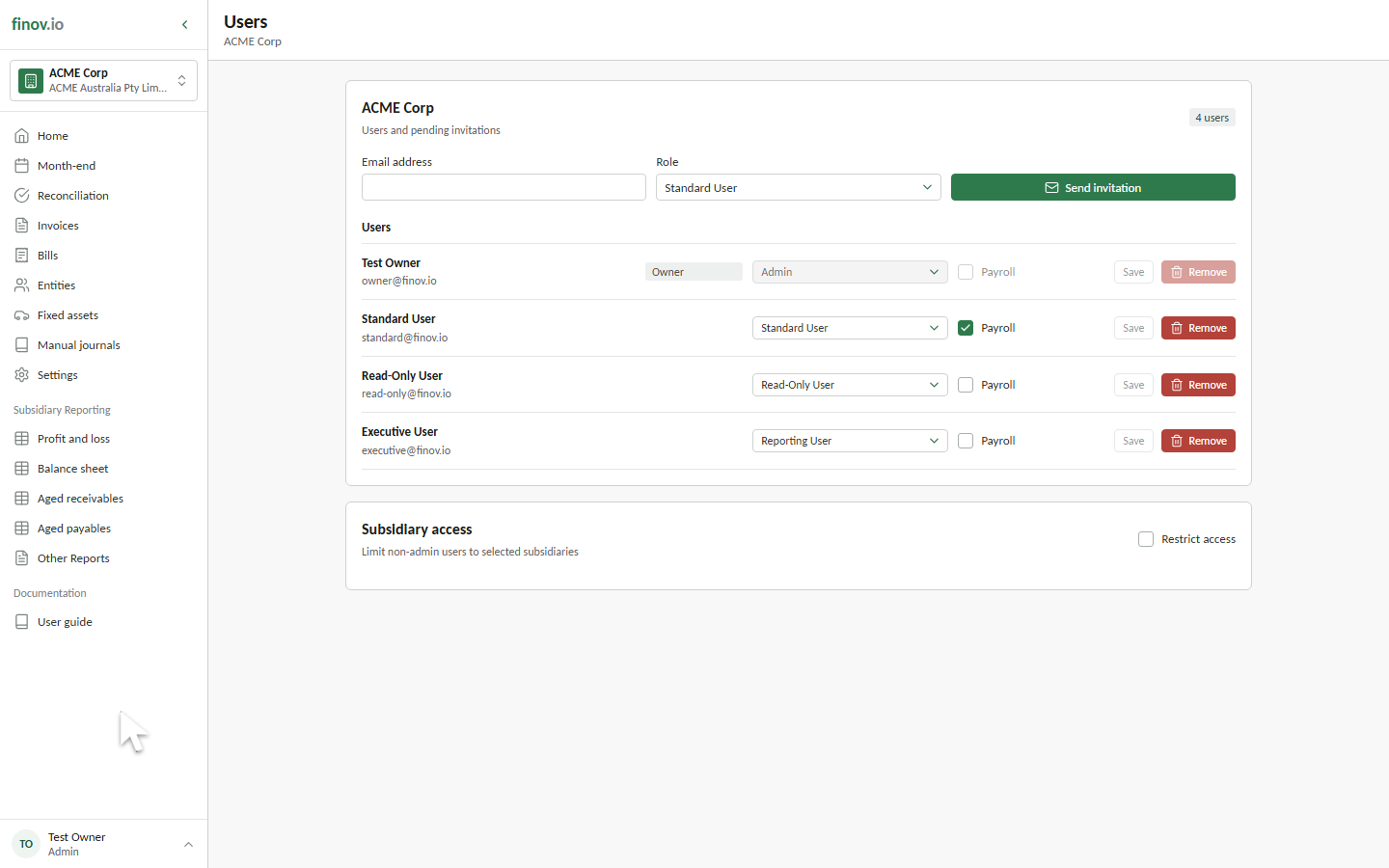
The Users link appears in the user menu only when you are an administrator for the selected tenancy. Select it to review active users and pending invitations for that tenancy.
Invitations and roles
Administrators can send an invitation to an email address and assign its role. An invitation remains pending until it is accepted by a signed-in user with the matching email address.
Administrators can also change an existing user's role or remove their access. The tenancy owner and the currently signed-in user cannot be changed or removed from this screen.
Subsidiary access
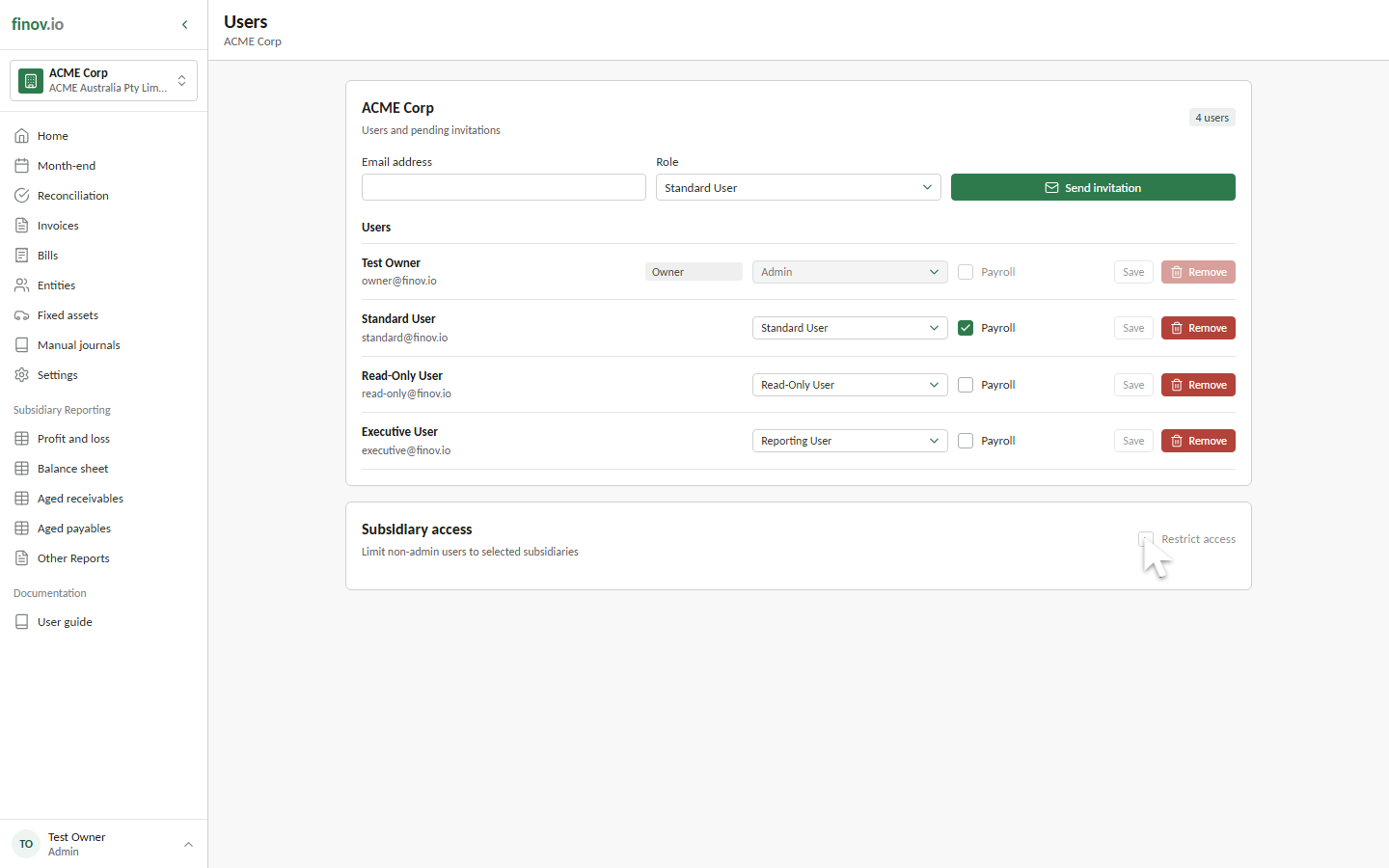
The Subsidiary access section is available when signed in as an Admin, including the tenancy owner.
- Leave Restrict access off when every user may see every subsidiary. This is the default.
- Turn Restrict access on to display the subsidiary access matrix.
- Select a subsidiary for each non-admin user who needs access to it.
- Clear a selected subsidiary to remove that user's access.
- Select Save access to apply the complete matrix.
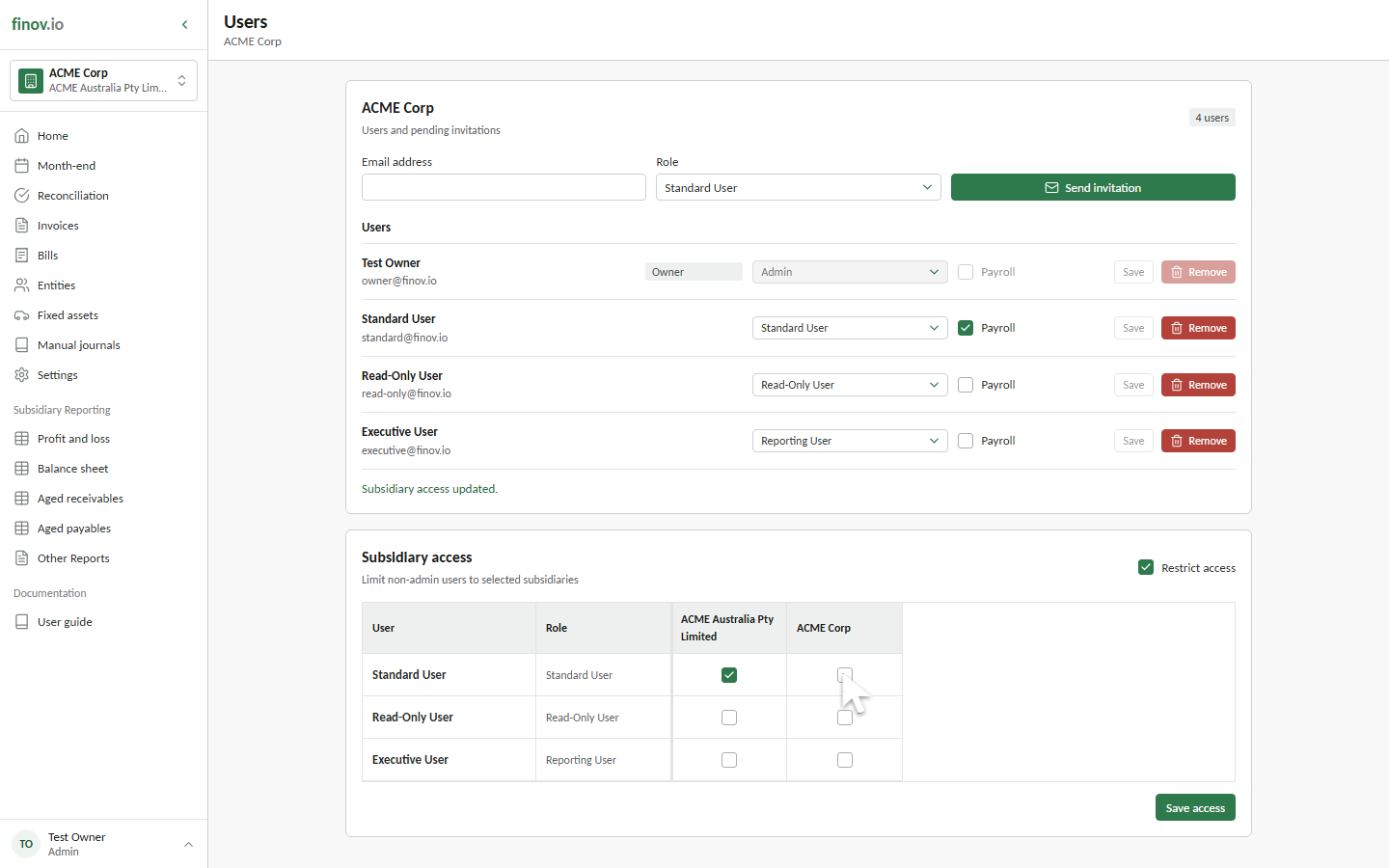
Admin users always retain access to every subsidiary and do not appear in the matrix. A non-admin user with no selected subsidiaries cannot access subsidiary accounting data while restriction is enabled. Turning the feature off restores access to every subsidiary without deleting the saved matrix assignments.