Posting a journal
Finovio Users Guide / Manual Journals
Posting converts a validated draft into a true, immutable ledger journal.
In this guide
- Before you post
- Posting the draft
- Worked example: revenue reclassification
- What happens on posting
- After posting
Before you post
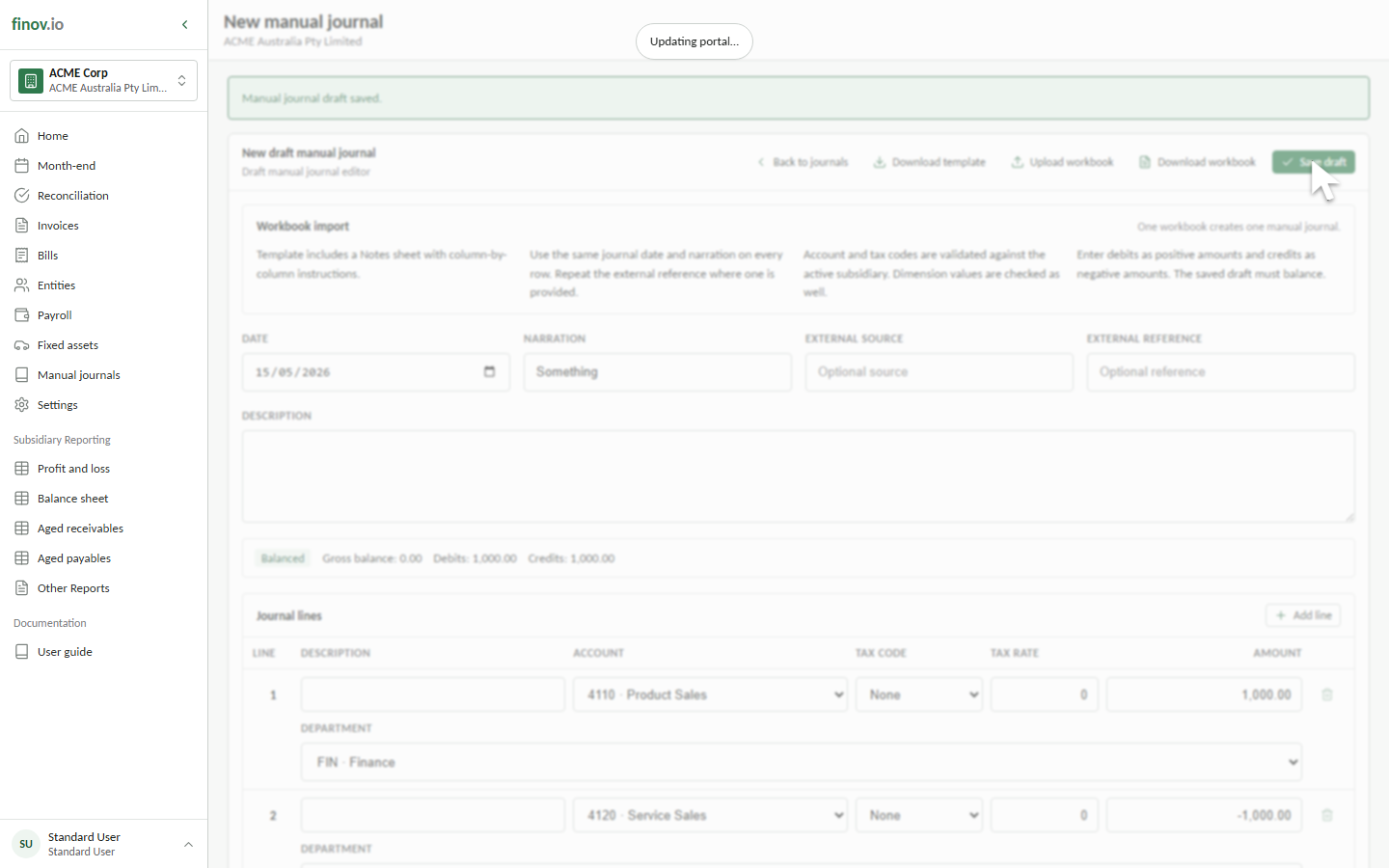
A draft manual journal can be edited or deleted because nothing has hit the ledger yet. Before posting, confirm:
- The date is in the intended open accounting period.
- The narration and external reference identify the adjustment.
- Every account, tax treatment, and dimension is correct.
- Debits and credits reflect the intended accounting direction.
- The summary shows Balanced with a gross balance of zero.
Posting the draft
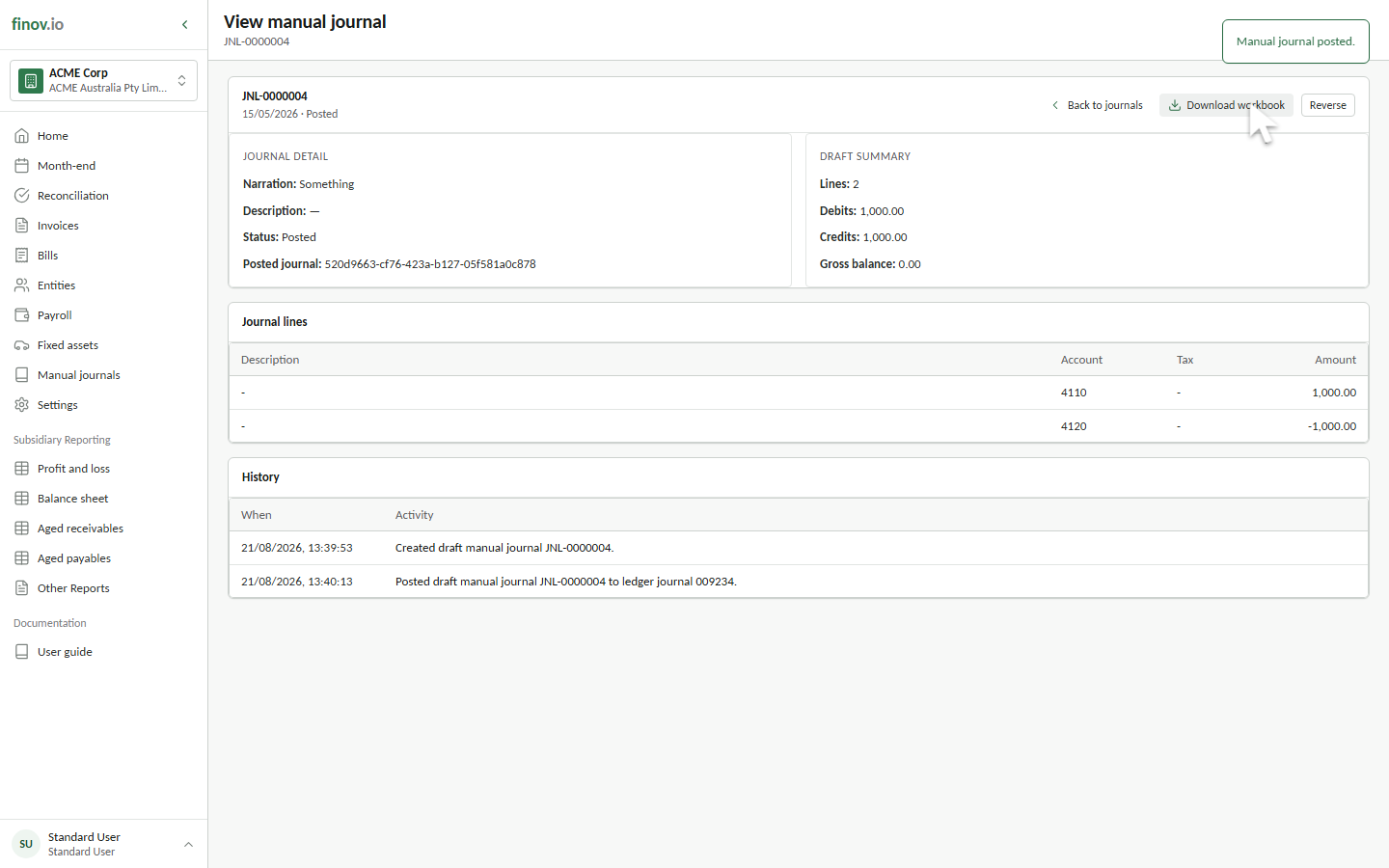
- Open Manual journals and select the saved draft.
- Review the journal detail, line values, and debit and credit totals.
- Select Post.
- Confirm the status changes to Posted and a Posted journal reference appears.
- Review History for the created and posted events.
Worked example: revenue reclassification
The workbook example corrects the classification of £1,000 of revenue without changing total revenue:
| Account | Entry | Accounting effect |
|---|---|---|
4110 Product Sales |
Debit 1,000.00 |
Reduces Product Sales revenue |
4120 Service Sales |
Credit 1,000.00 |
Increases Service Sales revenue |
Both lines use the Finance department and zero-rated tax treatment. The signed gross balance is zero, so the journal can post.
What happens on posting
Finovio creates a ledger journal dated on the manual journal date, carries the narration and external metadata across, calculates net, tax, and gross values, preserves line dimensions, and allocates the next ledger journal number. The source manual journal is marked Posted and linked to that ledger journal.
After posting
You can still download the source workbook and review the journal lines and history after posting. The financial amounts are no longer editable.