Pay runs
Finovio Users Guide / Payroll / Processing pay runs
The Pay runs register lists each payroll period with its calendar, payment date, employee count, totals, and status.
Pay run pages
Find a pay run
Filter the register by calendar and status, then select a row to open its dedicated processing workspace. Draft, approved, and submitted runs remain visible in the same register.
Create a draft
Select New pay run, choose a calendar, and enter the period and payment dates. Finovio generates draft payslips only for eligible employees assigned to that calendar.
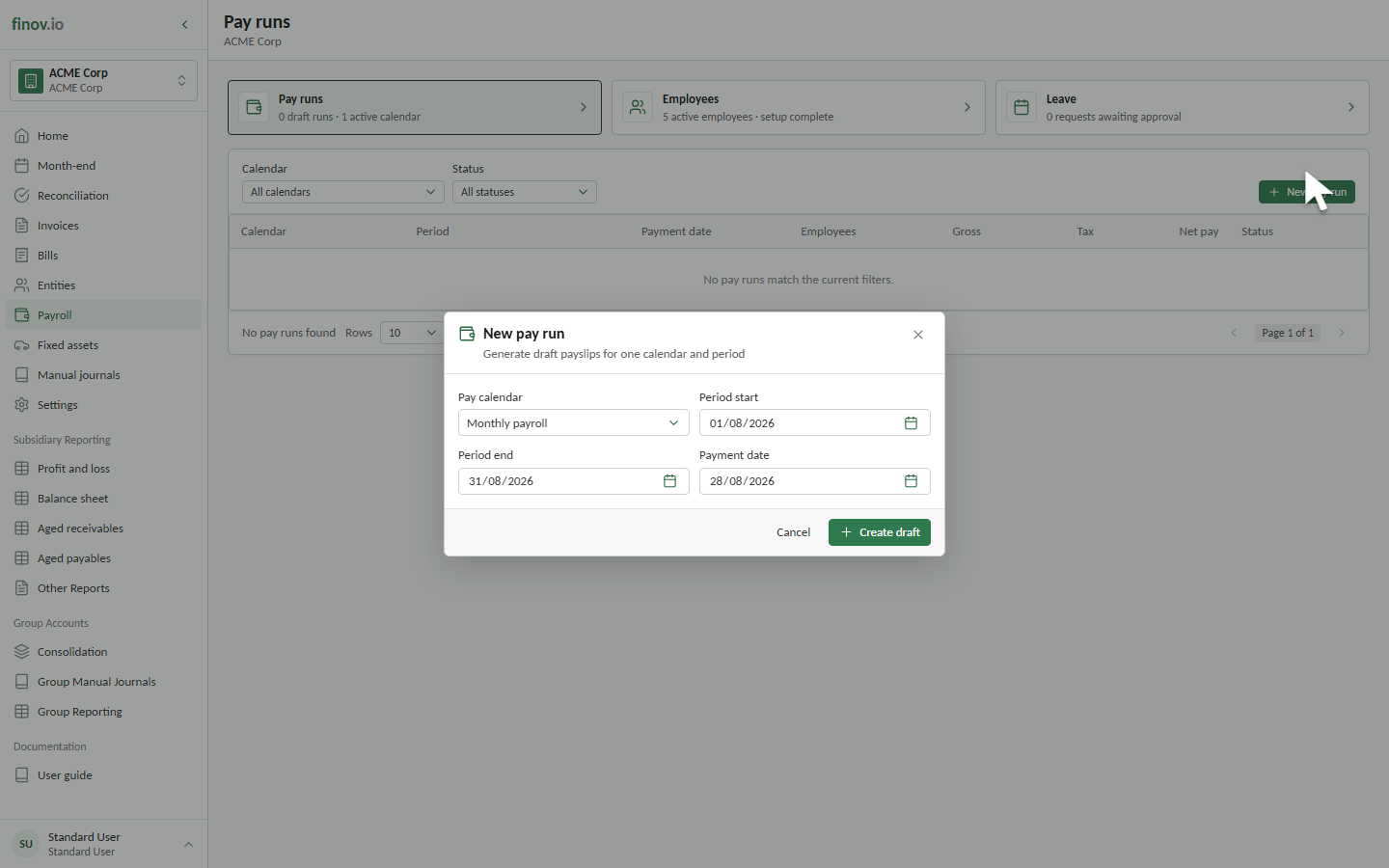
Creating a draft calculates employee pay and previews the journal and payment allocation. It does not post to the ledger.
Run lifecycle
A run begins in Draft. When approval is required, approve it after review. Select Submit pay run to post the journal and finalise payment instructions.
A submitted run may be reverted to Draft only while its correction conditions remain satisfied, including payments not having been marked as sent.