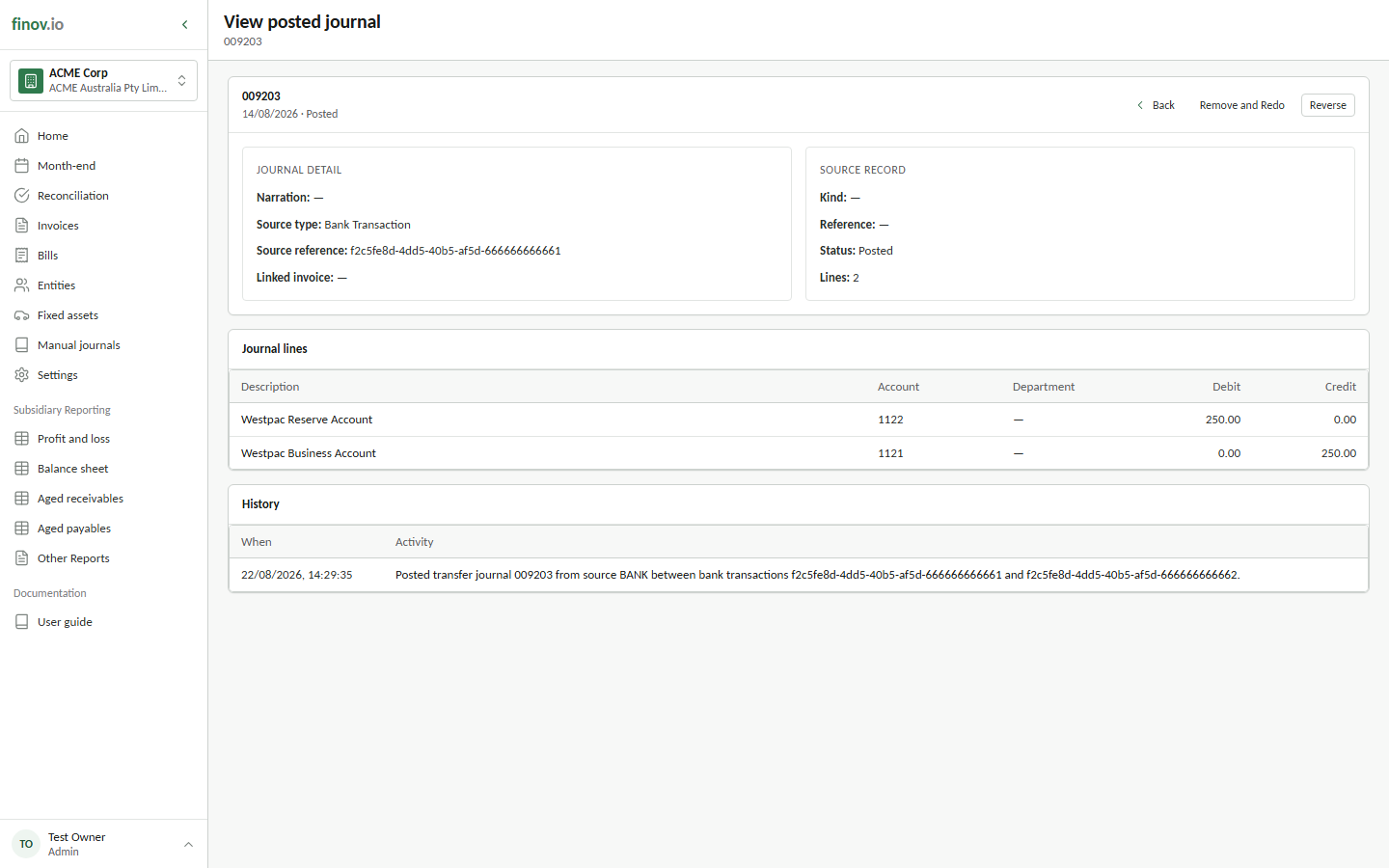
Correcting a reconciliation: remove and redo
Finovio Users Guide / Bank Reconciliation / Correcting a Reconciliation
Undo a bank reconciliation that was simply wrong, while the period is still open.
In this guide
When to use this
The reconciliation was posted with the wrong account, invoice, or amount, and the transaction's date falls in an open (not yet locked) period.
What happens
The original journal is soft-deleted and the source bank transaction returns to mapped = 0, so it's back in your unreconciled feed to redo correctly. If the journal was an invoice settlement, the linked settlement is removed from active status calculations and the invoice's status recalculates automatically. A REMOVE_REDO history event is recorded against the journal for audit purposes.