How Finovio handles multi-currency
Finovio Users Guide / Foreign Currency
Finovio supports transactions in a currency other than your subsidiary's base currency, with a consistent set of rules for how those amounts convert and revalue over time.
In this guide
The core principle
Revenue and expense post once, at the exchange rate on the transaction date, and are never restated. Only monetary balances (receivables, payables, and foreign currency cash) move after that, and they move in two distinct ways: revalued for reporting while open (unrealized), and cleared at the real rate on settlement (realized).
Where foreign currency shows up
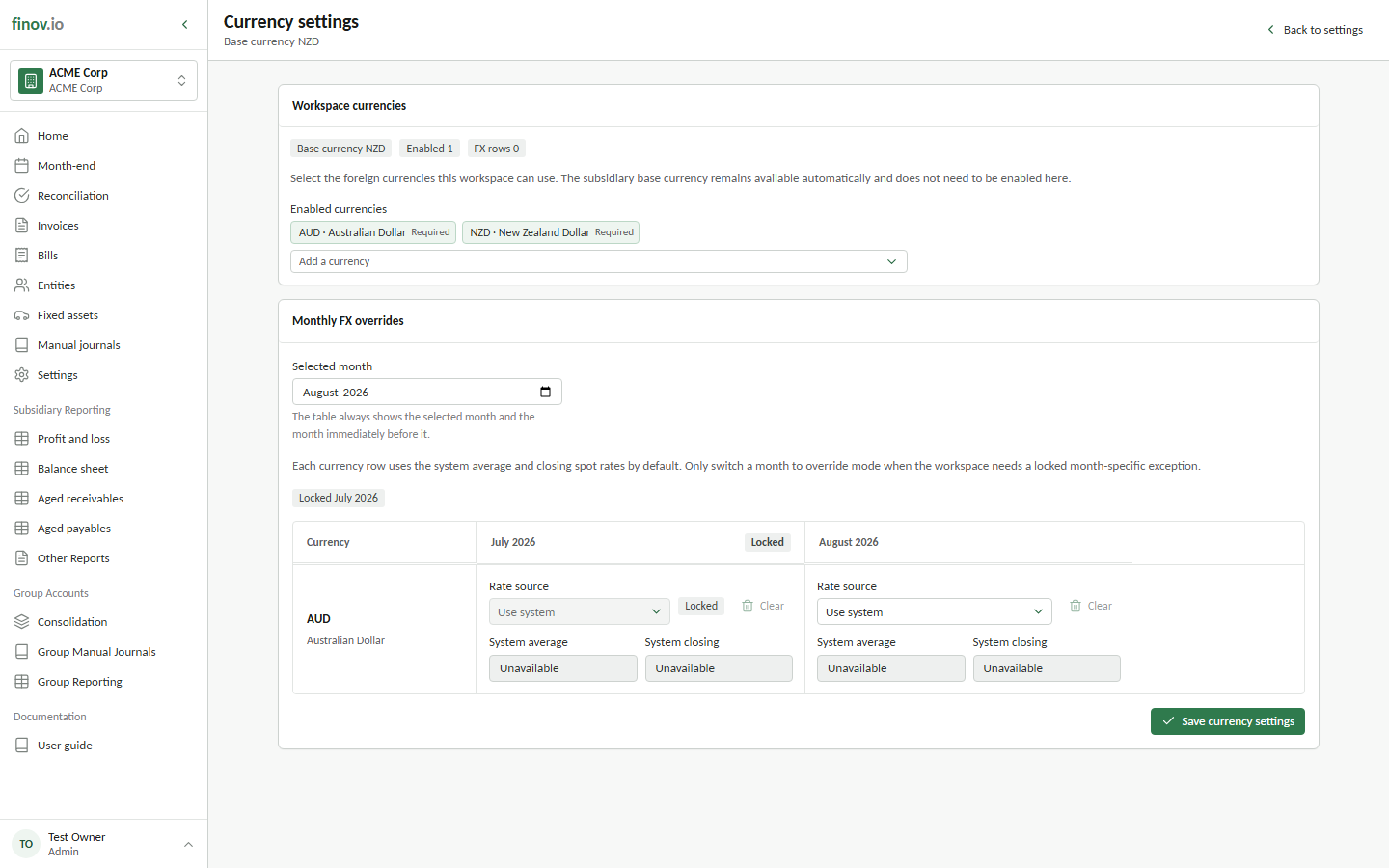
Enable the currencies your workspace uses in Settings → Currency settings. The subsidiary's base currency remains available automatically, while enabled foreign currencies become available to invoices, bank accounts, and exchange-rate controls.
- Invoices: see Foreign currency invoices
- Bank accounts: see Foreign currency bank accounts
- Period-end revaluation across all open foreign currency balances: see Exchange rates and revaluation
Fixed assets, by contrast, are non-monetary. An asset bought in a foreign currency is converted once at acquisition and never revalued again, even if it's foreign-denominated.
Unrealized vs realized, everywhere
This pattern repeats across every foreign currency workflow in Finovio: an unrealized figure that's recalculated fresh each period and never accumulated, and a realized figure that's posted once, permanently, at the moment of actual settlement. The two are always kept in separate P&L accounts so you can tell paper movement from cash-settled movement at a glance.