Leave
Finovio Users Guide / Payroll / Processing pay runs
The Leave register records employee leave requests and their approval status.
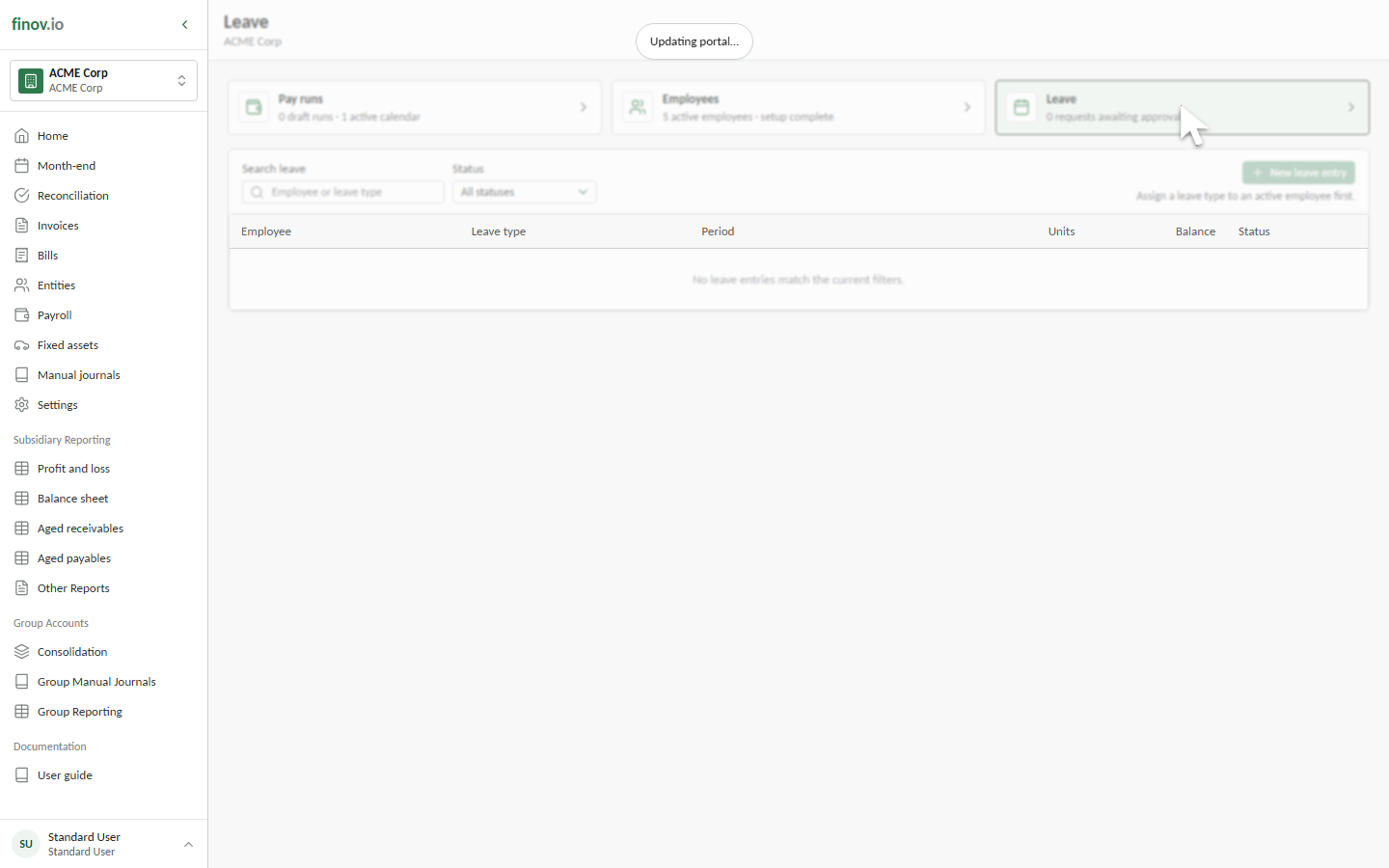
Find leave
Search by employee or leave type and filter by Requested, Approved, or Rejected status. Each row shows the period, units, current balance context, and workflow status.
Record leave
Select New leave entry, choose an active employee and one of their assigned leave types, then enter the dates, positive units, and an optional description.
Dates must fall within the employee's employment period and cannot overlap another requested or approved entry.
Review and approve
Select a register row to review the request. Requested entries can be approved or rejected. Approval records the workflow decision; balance movements remain part of leave and pay-run processing.
Leave definitions belong in Settings, while employee accrual methods and balances belong on Employee Leave.