Reconciling to an account (mapping)
Finovio Users Guide / Bank Reconciliation
This is the generic reconciliation path: posting a bank transaction straight to an account, for receipts and payments that aren't settling a specific invoice.
In this guide
Where to find it
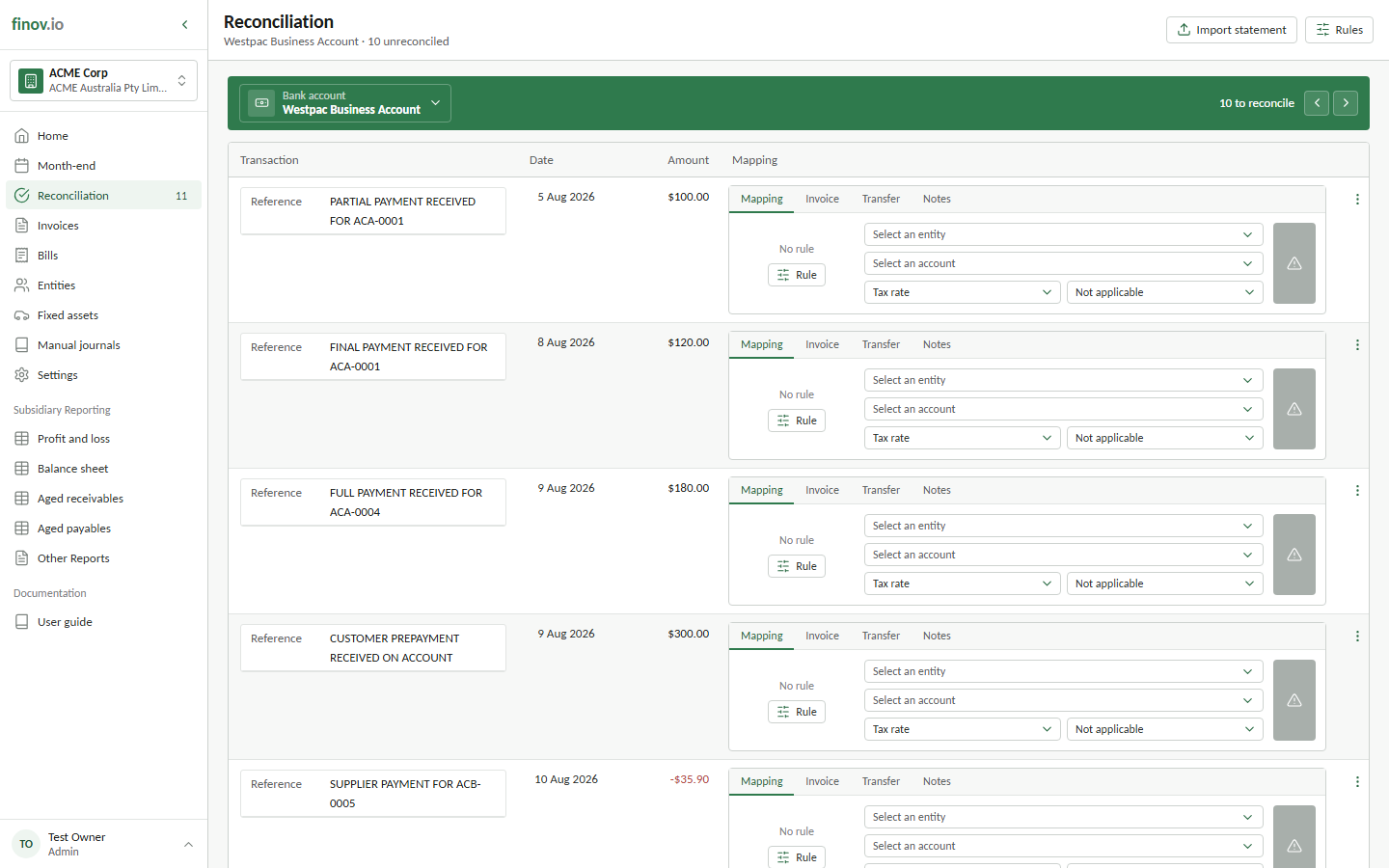
Reconciliation, then the Mapping tab on an unreconciled transaction.
Mapping a transaction
Pick a contact (optional), an account, and a tax code. If a reconciliation rule matches this transaction, Finovio prefills these from the rule automatically; see Reconciliation rules. You can always override the suggestion before posting.
How GST is handled
If the tax code carries GST/VAT, the reconciliation doesn't just post the gross amount with tax as metadata. It posts three ledger legs:
- Money in against taxable revenue: Bank debits gross, Revenue credits net, GST Payable credits tax
- Money out against taxable expense: Expense debits net, GST Receivable debits tax, Bank credits gross
The GST leg posts to the balance-sheet control account configured under Subsidiary details, so your tax liability stays visible as its own line rather than being buried inside the business account.
What happens on posting
A BANK journal is created, tagged to this transaction. The transaction flips to mapped = 1 and drops out of the unreconciled feed. If you later need to undo it, see Correcting a reconciliation. The transaction returns to the feed once its journal is removed or reversed.