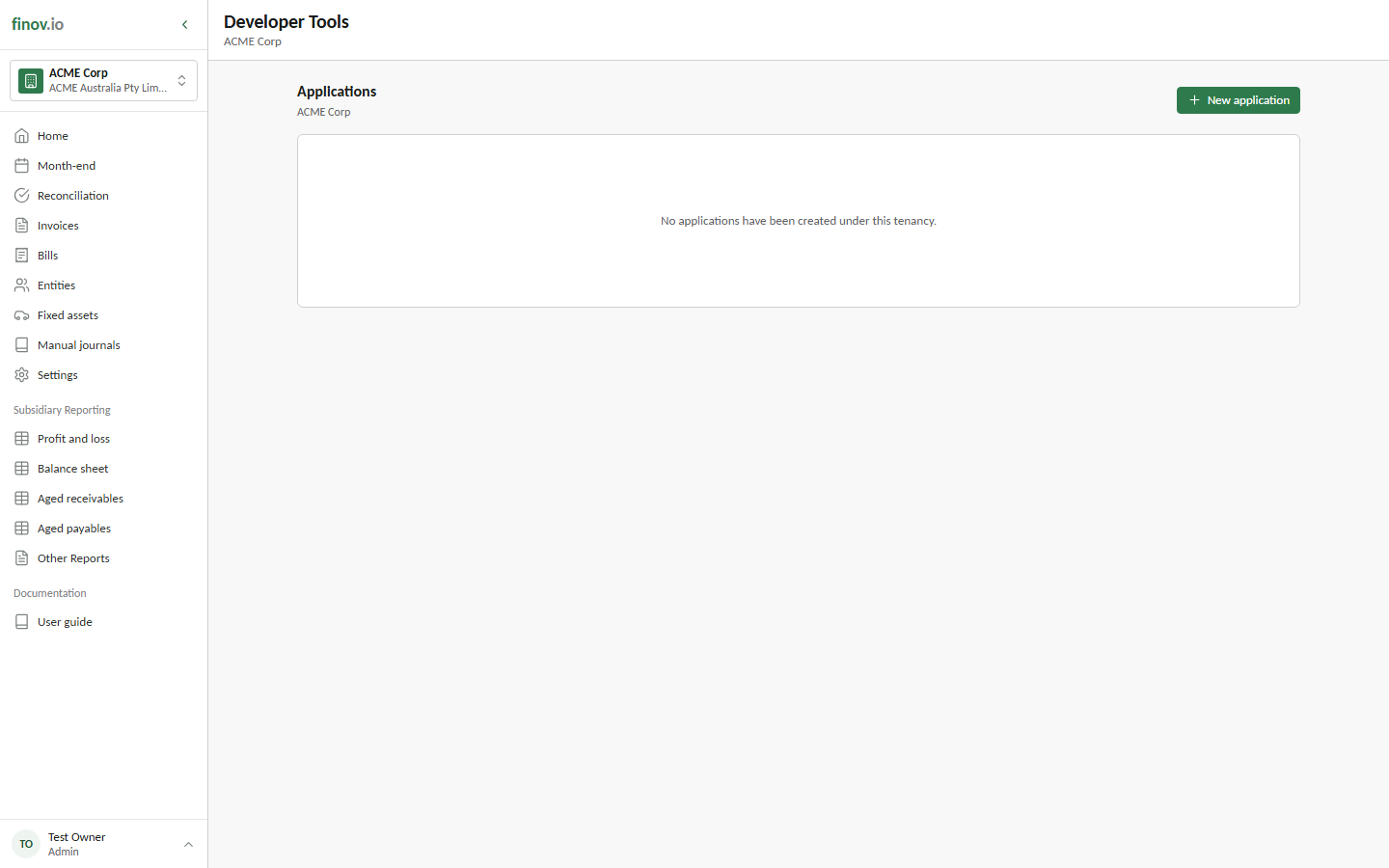
Developer tools
Finovio Users Guide / Account and Developer Tools
Manage API access for your group, if you or your team need to integrate with Finovio programmatically.
In this guide
Where to find it
Open the user menu at the bottom of the sidebar and select Developer Tools.
What's here
Credentials and configuration for accessing the Finovio Accounting API directly, the same API that powers the portal itself. Application registration records the application's website, privacy policy, terms of use, OAuth redirect URIs, and requested scopes. It does not grant access to an accounting subsidiary.
New applications begin in Developer Mode. While in Developer Mode, an application can only be authorized by groups that the developer belongs to. The developer must first be a member of a group before the application can be granted access to any of that group's subsidiaries.
Subsidiary access is granted separately by an authorized group user. That grant identifies the subsidiaries the application may access and the approved subset of scopes. Developer Mode grants begin at 30 requests per subsidiary per minute. Published applications begin at 120 requests per subsidiary per minute; only Finovio administrators can raise this limit.
Application statuses are Developer Mode, In Review, Published, Revoked, and Deleted.
Where to go next
For endpoint reference, authentication, and request/response formats, see the separate API Documentation pack.