Payroll Overview
Finovio Users Guide / Payroll
Payroll brings employee setup, pay runs, leave, journals, and bank payment files into the selected subsidiary's accounting workspace.
In this guide
- Payroll navigation
- Configuration and processing
- How payroll reaches the ledger
- Country-specific payroll
Payroll navigation
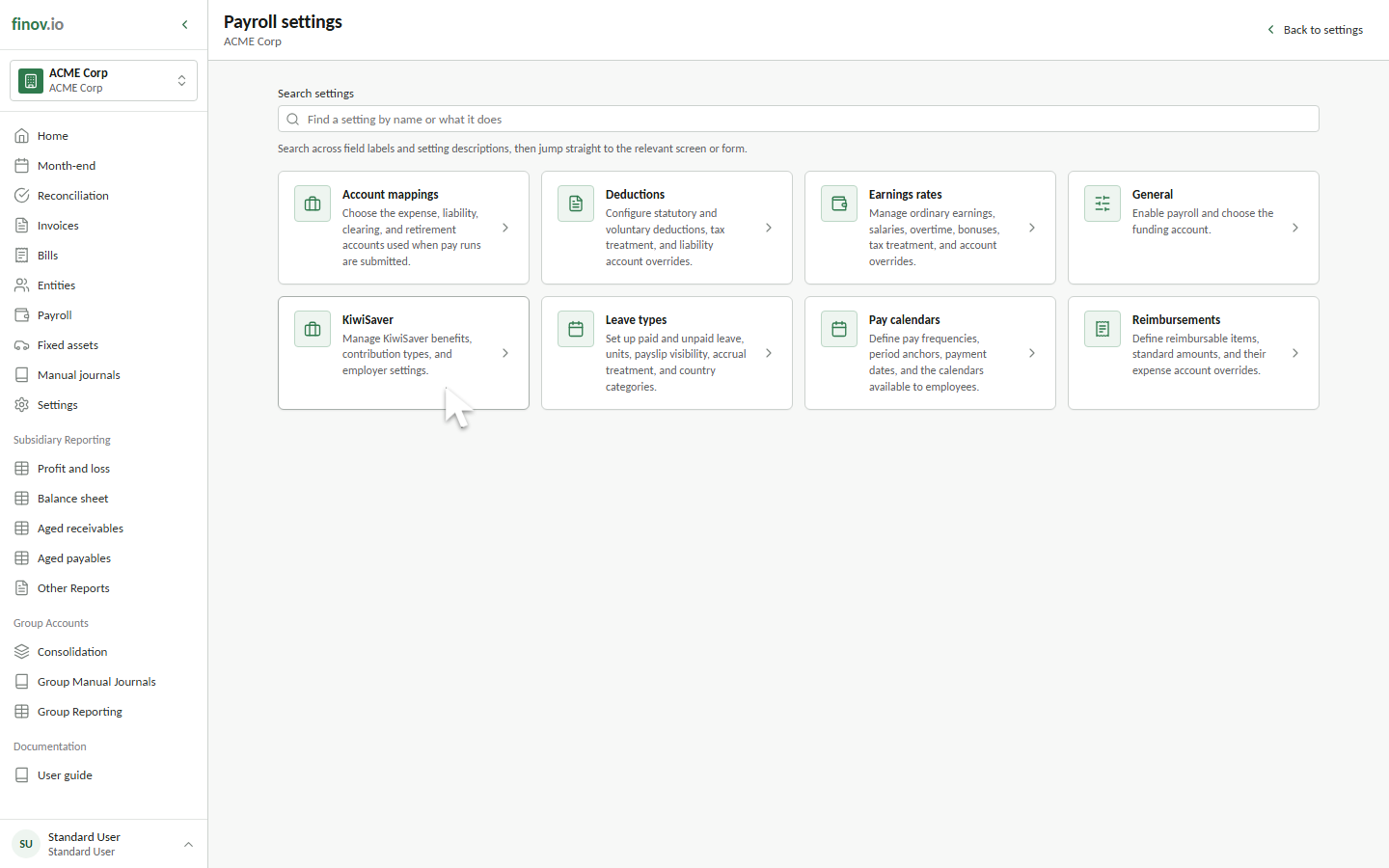
Payroll follows the same structure as the portal. Open Settings, then select Payroll for configuration. Open Payroll from the main navigation for pay runs, employees, and leave.
Payroll is available for New Zealand and Australian subsidiaries when payroll access is enabled for the tenancy and your user account. Administrators can enable payroll for a subsidiary and complete its setup under Settings → Payroll. Users without payroll access do not see payroll records or settings.
Use Configuring Payroll when payroll is first enabled or its policies change. Use Processing pay runs for operational work.
Configuration and processing
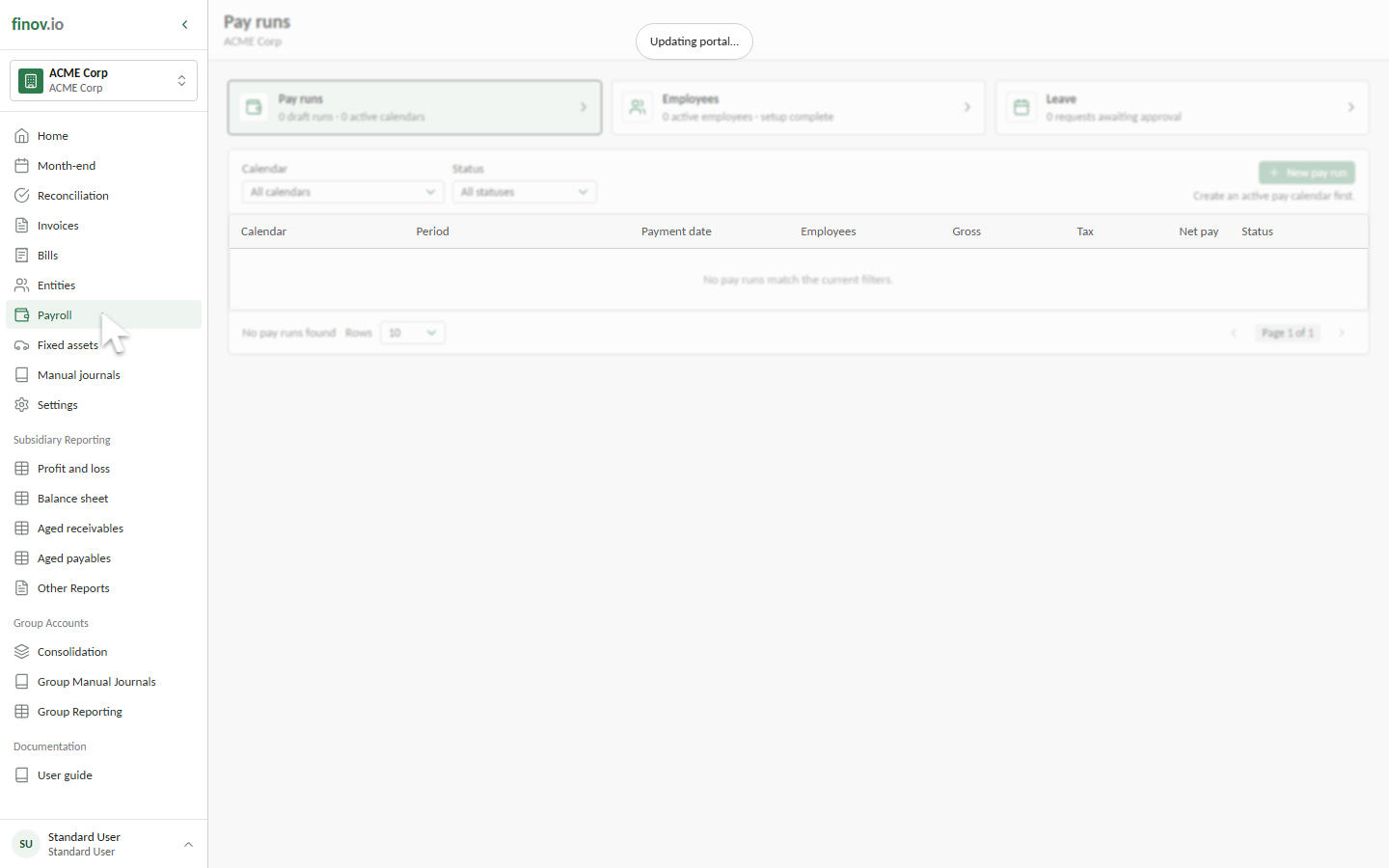
Open Payroll from the main navigation to work with:
- Pay runs, including draft calculations, approvals, journals, and payments.
- Employees, including pay setup, leave settings, retirement contributions, and bank accounts.
- Leave, including requests, balances, and approval status.
The cards show the current setup and workload for the selected subsidiary. Registers and filters appear below them, so the screen follows the same Pay runs, Employees, and Leave flow described in this guide.
How payroll reaches the ledger
A new pay run selects employees from one pay calendar and generates draft payslips. Review employee totals, reimbursements, the balanced journal preview, and payment allocations before approval.
Selecting Submit pay run posts the payroll journal and finalises the payment batch. The pay run then becomes read-only. Downloading the bank file is separate from posting, and marking payments as sent is separate from reconciling the resulting bank transaction.
Each pay calendar controls journal detail. Per employee retains separate account lines for direct payslip traceability. Consolidated groups employees that share the same account and dimension combination, reducing journal volume while preserving department, branch, property, project, and other reporting detail.
Country-specific payroll
The subsidiary country determines the statutory fields and terminology. New Zealand payroll uses IRD, PAYE, KiwiSaver, and pain.001 payment files. Australian payroll uses TFN, PAYG, superannuation, and ABA payment files.
Finovio shows only the fields that apply to the selected subsidiary.
Finovio calculates and records statutory payroll amounts, but it does not automatically lodge STP reports with the ATO or payday filing with Inland Revenue. Record the provider reference and filing status after submitting through the approved channel.