Importing bank statements
Finovio Users Guide / Bank Reconciliation
Bank transactions land in Finovio as a batch, a set of rows imported together, usually from a statement file, before you reconcile them individually.
In this guide
Where to find it
Reconciliation → Import statement, or from a specific bank account's batch list.
Importing a statement
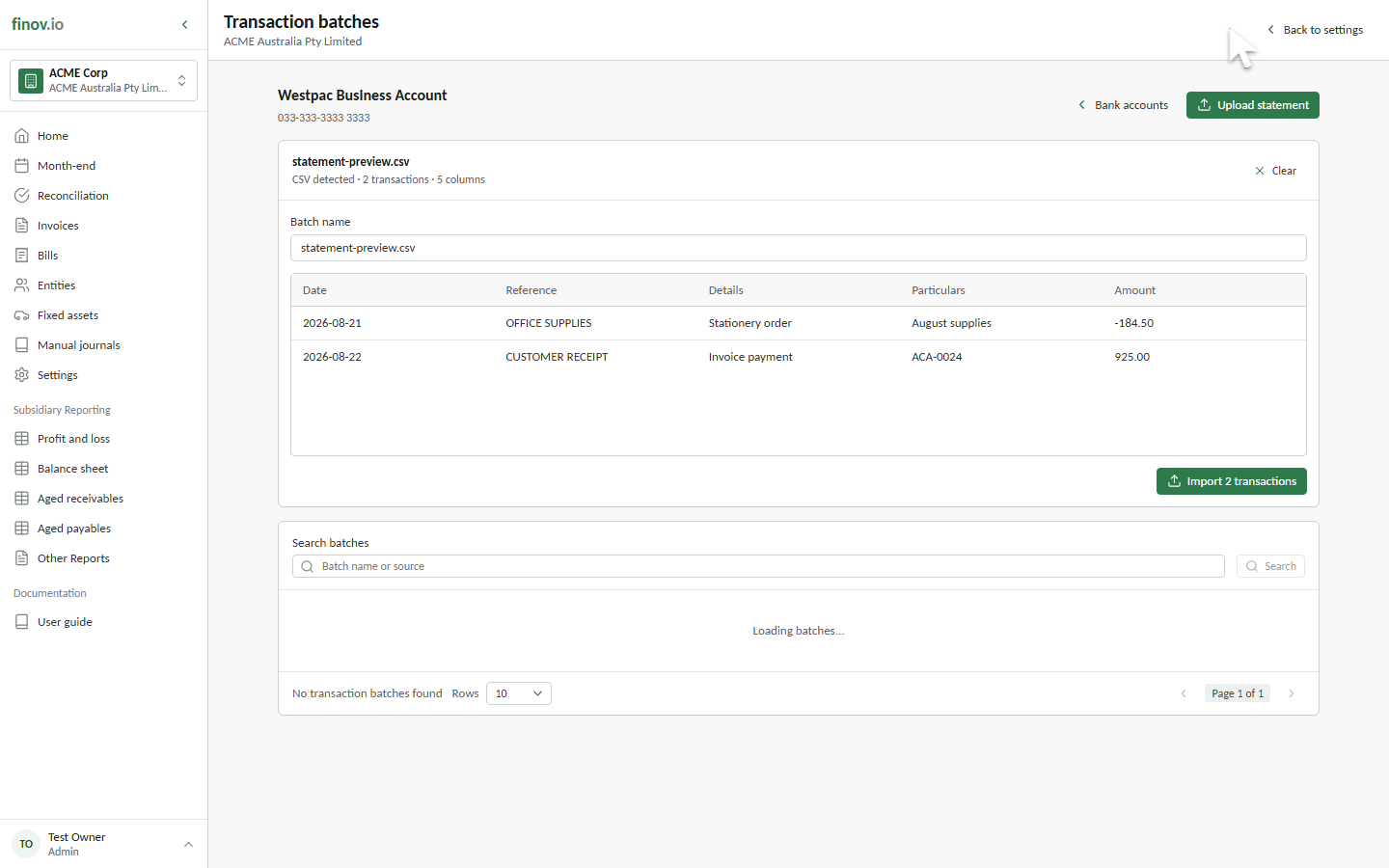
Upload a statement file for a bank account you've already configured under Bank accounts. Each row becomes an unreconciled transaction with its reference, details, particulars, amount, and date.
What happens after import
Every transaction starts with mapped = 0 and appears in the unreconciled feed for that bank account. Nothing posts to the ledger until you reconcile the transaction. See Reconciling to an account and Reconciling to an invoice.
Deleting a batch
A batch can't be deleted while any of its transactions still have active reconciliation journals. Unreconcile or remove those journals first if you need to pull the batch back out.