Invoice and bill statuses
Finovio User Guide / Invoices and Bills
Customer invoices, supplier bills, and their credit notes use the same statuses to show whether they are drafts, posted open items, or fully allocated.
In this guide
Status reference
| Status | Meaning |
|---|---|
| Draft | Saved but not posted. No ledger journal exists yet. Fully editable. |
| Awaiting payment | Issued and posted. The receivable or payable is open, in full or in part. |
| Overdue | Awaiting payment, past its due date. A view filter, not a separate posted state. |
| Paid | Fully settled or allocated. Payments and credit-note allocations equal the document total. |
| Void | Cancelled without being paid. |
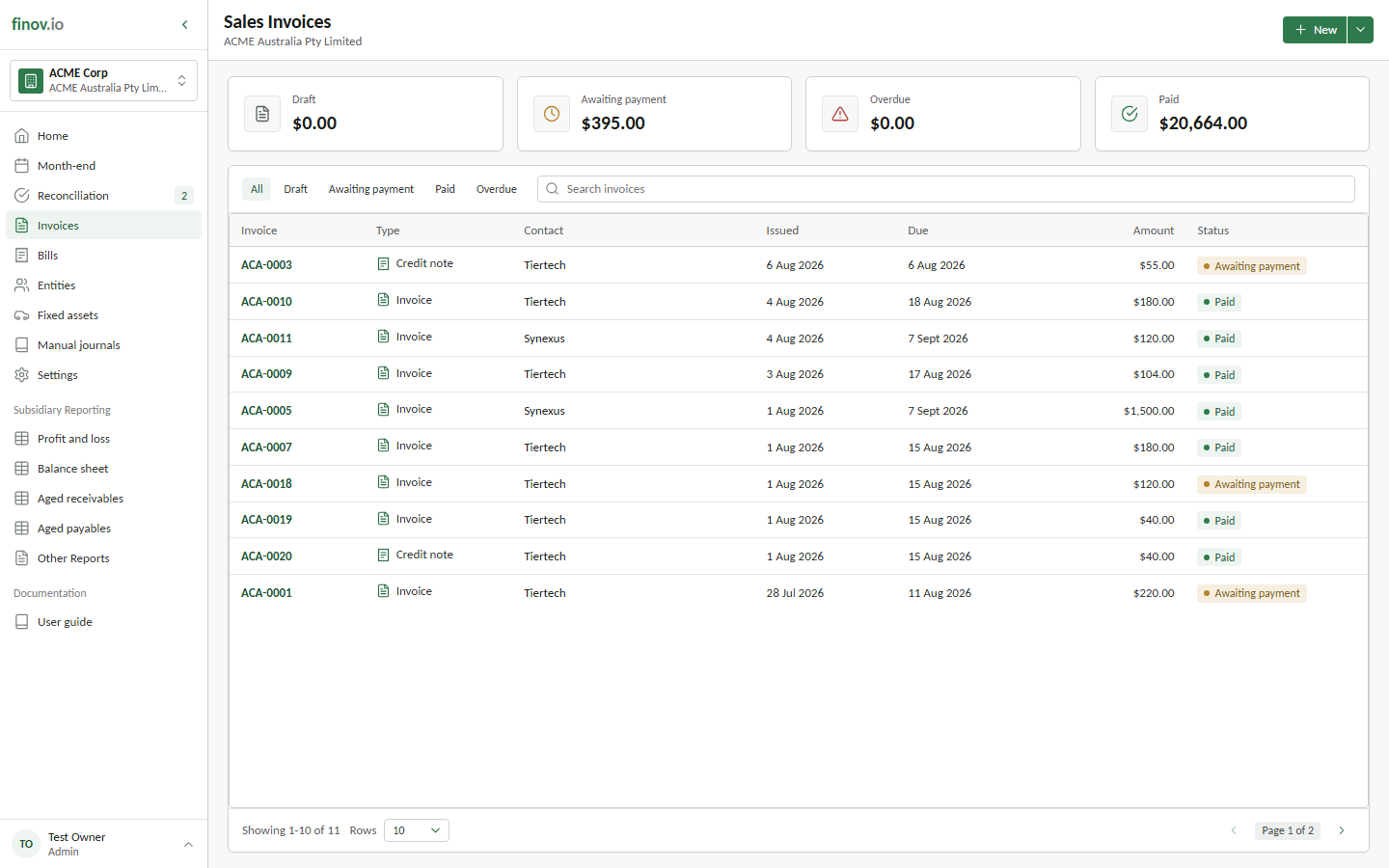
How status changes
- Draft → Awaiting payment happens when you post the document; this creates its invoice or reversing credit-note journal.
- Awaiting payment → Paid happens automatically once bank reconciliation settlements (full, partial, split, or foreign-currency) clear the full residual. See Reconciling to an invoice.
- A credit-note allocation also reduces both documents' residual balances. Fully allocated invoices, bills, and credit notes move to Paid without creating another journal. See Credit notes.