Understanding the close process
Finovio Users Guide / Period Close
Closing a period seals it: postings on or before the lock date become immutable, and corrections from that point on happen by reversal, not by editing history.
In this guide
- The close sequence
- System steps vs your steps
- Financial year-end
- Why the order is mostly free
- What can invalidate a step
The close sequence
A subsidiary close has these steps:
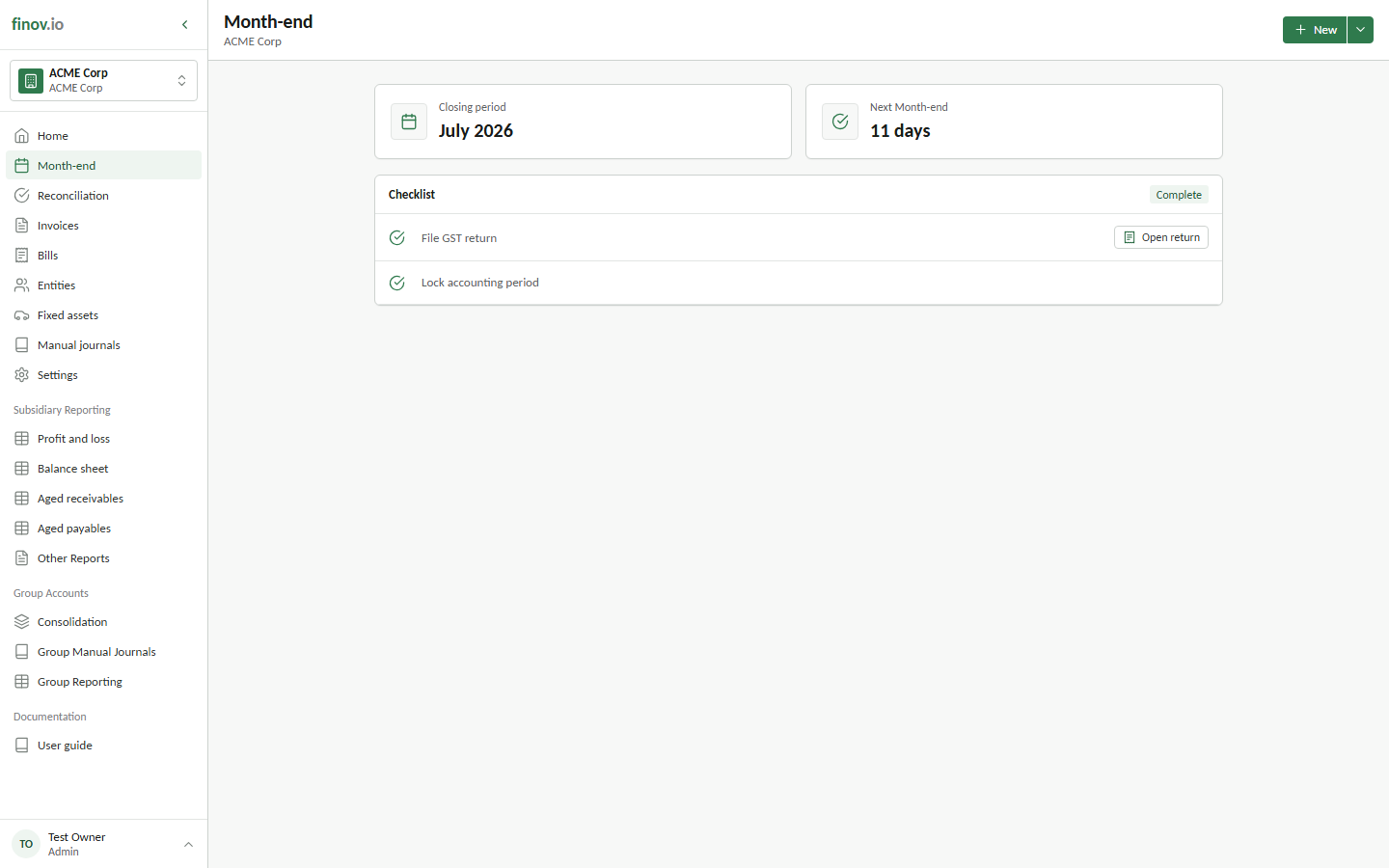
- Operational completion: finish bank reconciliation, invoices, bills, payroll runs, and other source activity for the period.
- Checklist confirmations and manual journals: complete off-system checks and post judgment-based adjustments.
- Fixed asset depreciation and tax filing: complete system-linked tasks when due.
- Financial year-end: close profit and loss to retained earnings in the subsidiary's final financial month.
- Lock roll-forward: seal the subsidiary period after every required task is complete.
If your subsidiary is part of a group, see Multi-entity close for the additional steps consolidation requires.
System steps vs your steps
The rule that decides who does what is simple: the system posts what's deterministic, you post what's judgemental. Depreciation is computable from the asset register, so Finovio owns it. Accruals, allocations, provisions, and cut-off adjustments require knowledge the ledger doesn't hold, so they belong in manual journals. Unrealized FX is calculated in reporting and does not create a close task.
Some things are explicitly out of scope for any system step and belong in a manual journal: accruals and prepayment releases, provisions and bad debt, revenue cut-off, inventory adjustments, impairment, cost allocations, tax provisions, lease accounting, and any payroll cut-off accrual that is not represented by a submitted pay run.
Financial year-end
The final month-end checklist for each financial year includes Close financial year to retained earnings. Select Review posting to inspect the journal before posting it. The preview shows the closing entry for every income, cost of sales, expense, other income, and other expense account, together with the balancing retained earnings entry.
Posting the close returns the year's profit and loss ledger balances to zero and carries the net profit or loss into the retained earnings account selected in subsidiary settings. The closing entry remains visible in the general ledger and audit history, but it is excluded from the historical Profit and loss report so the report continues to show the year's operating result.
Before posting the close:
- Enter and approve all invoices, bills, expenses, receipts, and payments for the year.
- Reconcile every bank account to its statement balance.
- Reconcile receivables, payables, tax control, loans, fixed assets, and every other balance sheet account.
- Review aged receivables for bad debts and aged payables for missing or duplicated liabilities.
- Complete any required stocktake and post inventory adjustments.
- Post accountant-approved accruals, prepayments, depreciation, work in progress, tax, loan, and other year-end adjustments.
- Review the trial balance, Profit and loss, and Balance sheet.
- Complete jurisdiction-specific payroll and tax reporting outside Finovio where required.
The retained earnings posting account must be configured before the journal can be posted. Complete the year-end close before locking the final period.
Why the order is mostly free
Manual journals and fixed asset journaling both post in functional currency only, so neither can affect the other's inputs; you can run them in any order.