Correcting a posted journal
Finovio Users Guide / Manual Journals
Once a manual journal is posted, its financial substance is fixed. Corrections happen through a new entry, not an edit to the old one.
In this guide
- Why posted journals aren't edited in place
- Remove and Redo
- Reverse
- Choosing the correction
- Worked reversal example
Why posted journals aren't edited in place
A posted manual journal is the historical record of what was entered on its posting date. Finovio therefore offers lifecycle actions instead of allowing posted amounts to be overwritten.
Remove and Redo
Use Remove and Redo when the posting date is after the subsidiary lock date and you need to correct and repost the source journal.
- Open the posted manual journal.
- Select Remove and Redo.
- Finovio removes the active ledger journal and returns the manual journal to Draft.
- Select Edit, correct the date, header, or lines, and save the draft.
- Review and post the corrected journal.
Remove and Redo is not available when the posting date is on or before the lock date.
Reverse
Use Reverse when the original posting must remain visible, including corrections to locked-period entries.
- Open the posted manual journal.
- Select Reverse.
- Finovio creates a new ledger journal with equal-and-opposite lines.
- The reversal is dated today when today is open. If today is not open, it uses the first day after the subsidiary lock date.
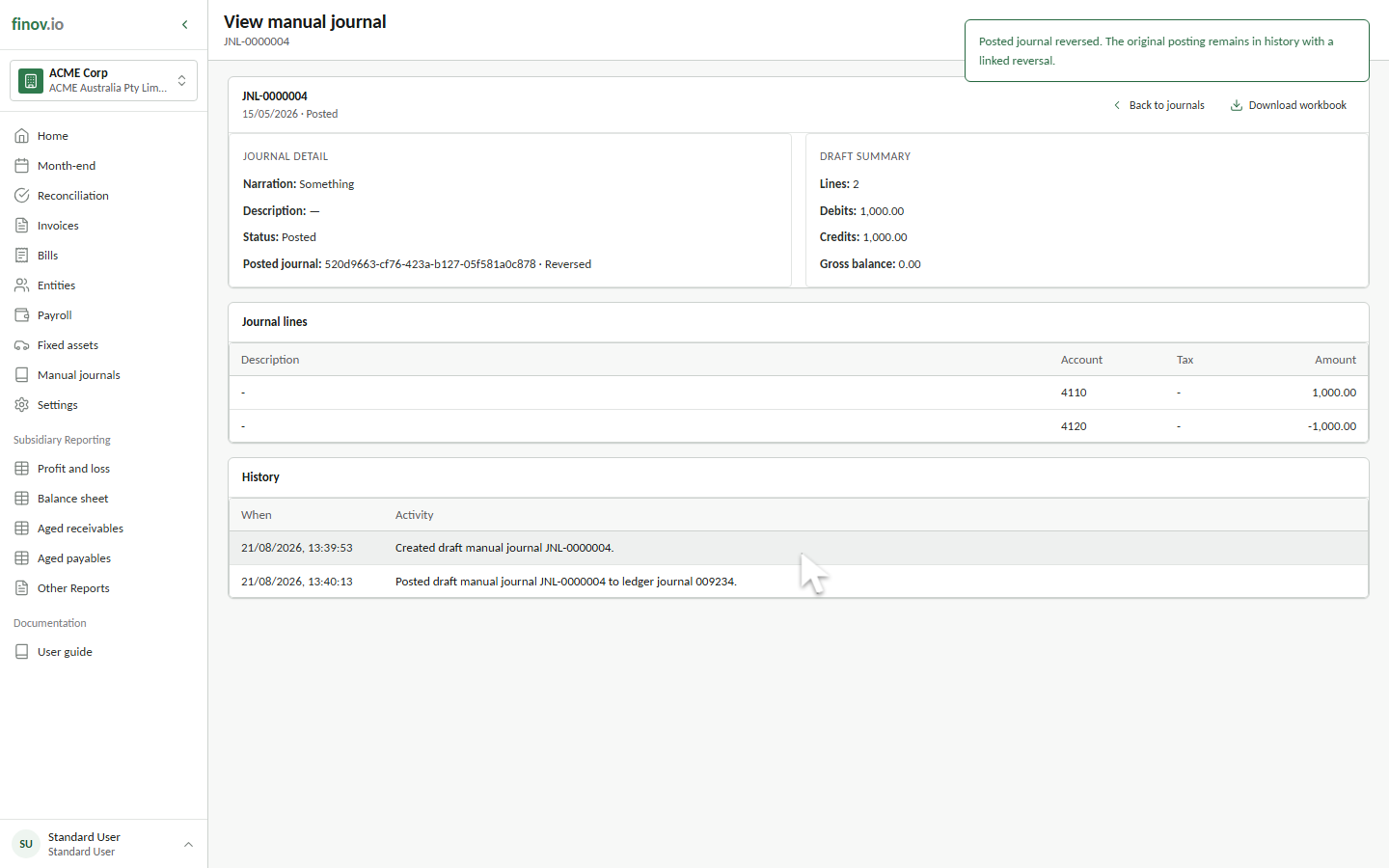
- The original manual journal remains Posted, and its linked ledger journal is marked Reversed.
Choosing the correction
| Situation | Use | Result |
|---|---|---|
| Open-period entry needs corrected details | Remove and Redo | Original ledger journal is removed; source manual journal returns to Draft |
| Original posting must remain in history | Reverse | Original remains; a linked opposite journal is posted |
| Posting date is locked | Reverse | Correction is posted into the open period |
| Journal has already been reversed | Neither | The existing reversal remains immutable |
Worked reversal example
An audit fee of £2,300 is accrued in Month 0. It remains outstanding through Month 1. In Month 2, before the actual supplier invoice is entered, the accrual is reversed:
- Original posting: Debit Audit Fee Expense £2,300; credit Accrued Expenses £2,300.
- Reversal: Debit Accrued Expenses £2,300; credit Audit Fee Expense £2,300.
The supplier invoice can then enter through the normal invoicing flow, replacing the estimate with the actual transaction while retaining the complete accrual history.