Creating a customer invoice
Finovio User Guide / Invoices and Bills
A customer invoice records a sale and raises an amount receivable from a customer.
In this guide
Where to find it
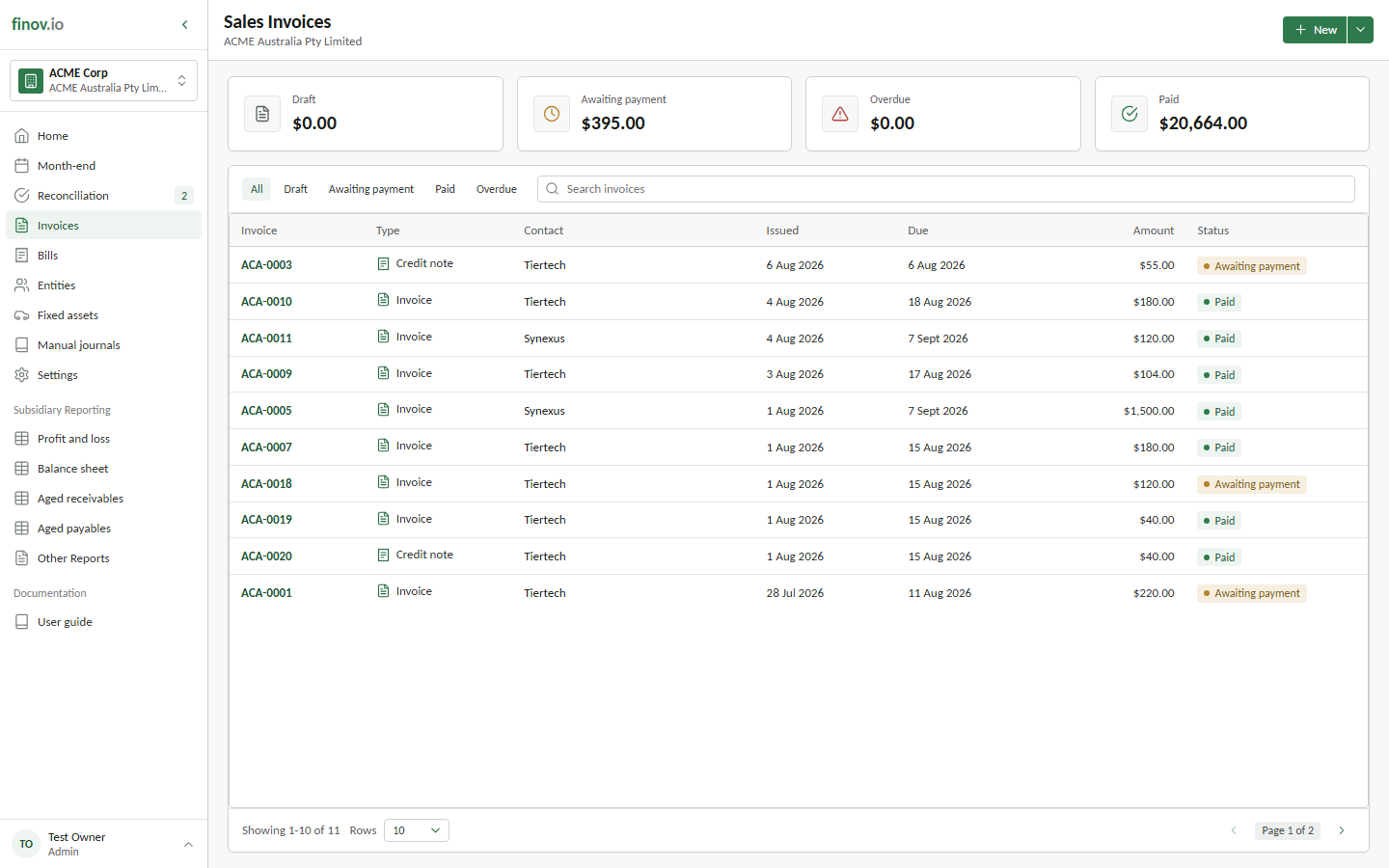
Open Invoices from the main navigation, then select New. The Invoices register contains customer invoices and customer credit notes only; supplier documents are kept separately under Bills.
Creating an invoice
Choose the contact, invoice type, branding theme, and payment term (pre-filled from the contact if one is set). Set the issue date and, if the currency differs from the subsidiary's base currency, the invoice currency. See Foreign currency invoices.
Lines, offerings, and tax
Each invoice line posts to a revenue account and can reference a predefined offering (a reusable product or service line) to speed up entry. Apply a tax code per line; the tax split follows the same net/tax/gross logic used everywhere else in Finovio.
Saving as draft vs issuing
An invoice can be saved as a Draft while you're still working on it; nothing posts to the ledger yet. Once you're ready, move it to Awaiting payment and save it. Finovio creates the posting journal that recognizes revenue and raises the receivable.