Group reporting
Finovio Users Guide / Period close and consolidation / Multi-entity close
Open Group Reporting from a parent subsidiary to review consolidated results across the selected group scope.
Available reports
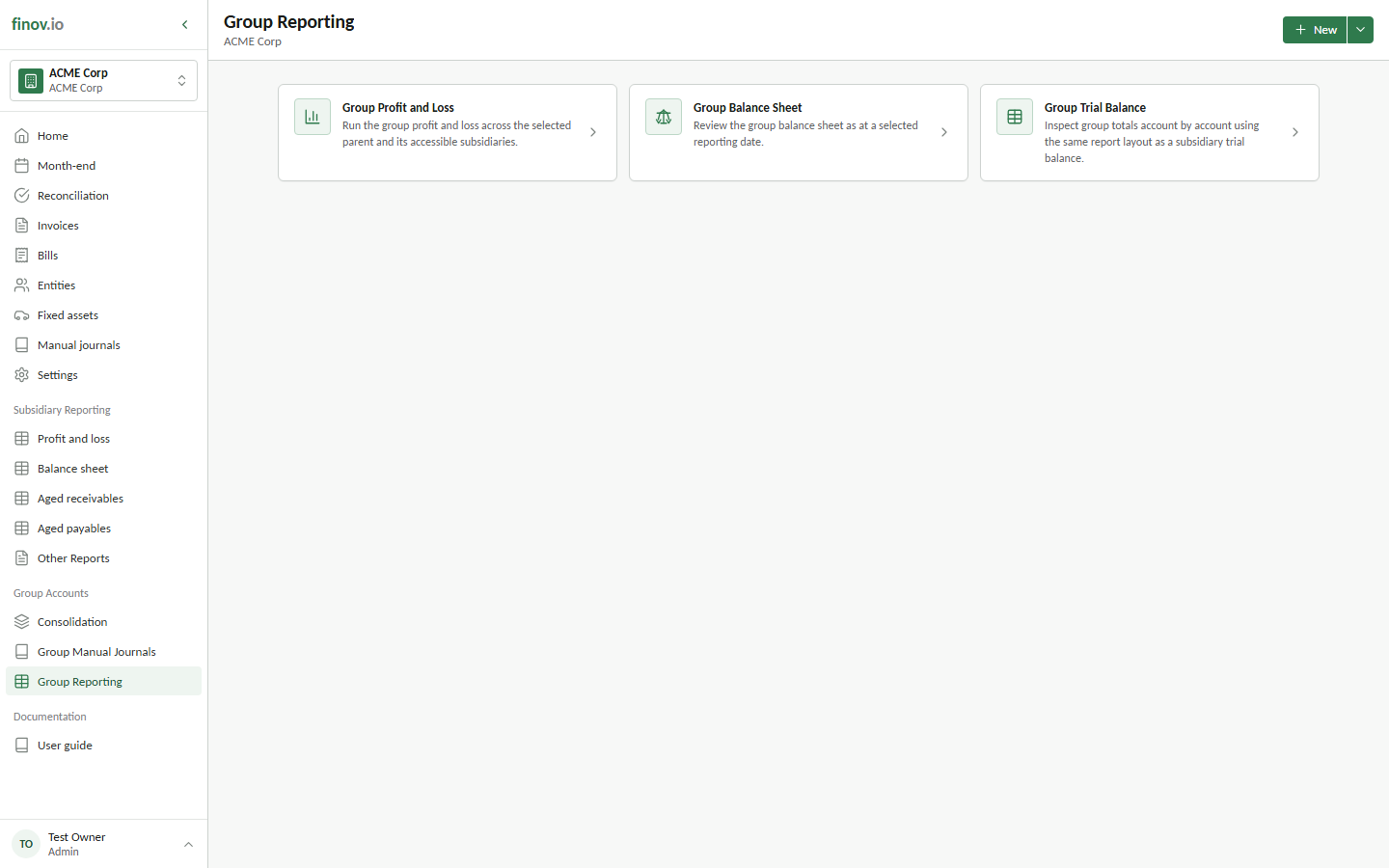
Finovio provides three group statements:
- Group Profit and Loss for consolidated income and expenses over the selected date range.
- Group Balance Sheet for consolidated assets, liabilities, and equity at the reporting date.
- Group Trial Balance for group totals by account.
These reports use the group scope rather than a single subsidiary filter. Posted translation, elimination, group manual journal, and NCI entries are included through the consolidation ledger.
Run and review a report
Choose a report, set its dates and comparison periods, then run it. Use report drilldown to move from a statement line to the supporting activity available for that balance.
Run the reports before the final group lock as a review step, then rerun them after locking to retain the final close view. If a result is unexpected, return to Consolidation and inspect the posted journals for the relevant translation, elimination, manual-journal, or NCI step.