Processing pay runs
Finovio Users Guide / Payroll
Open Payroll from the main navigation to work with Pay runs, Employees, and Leave for the selected subsidiary.
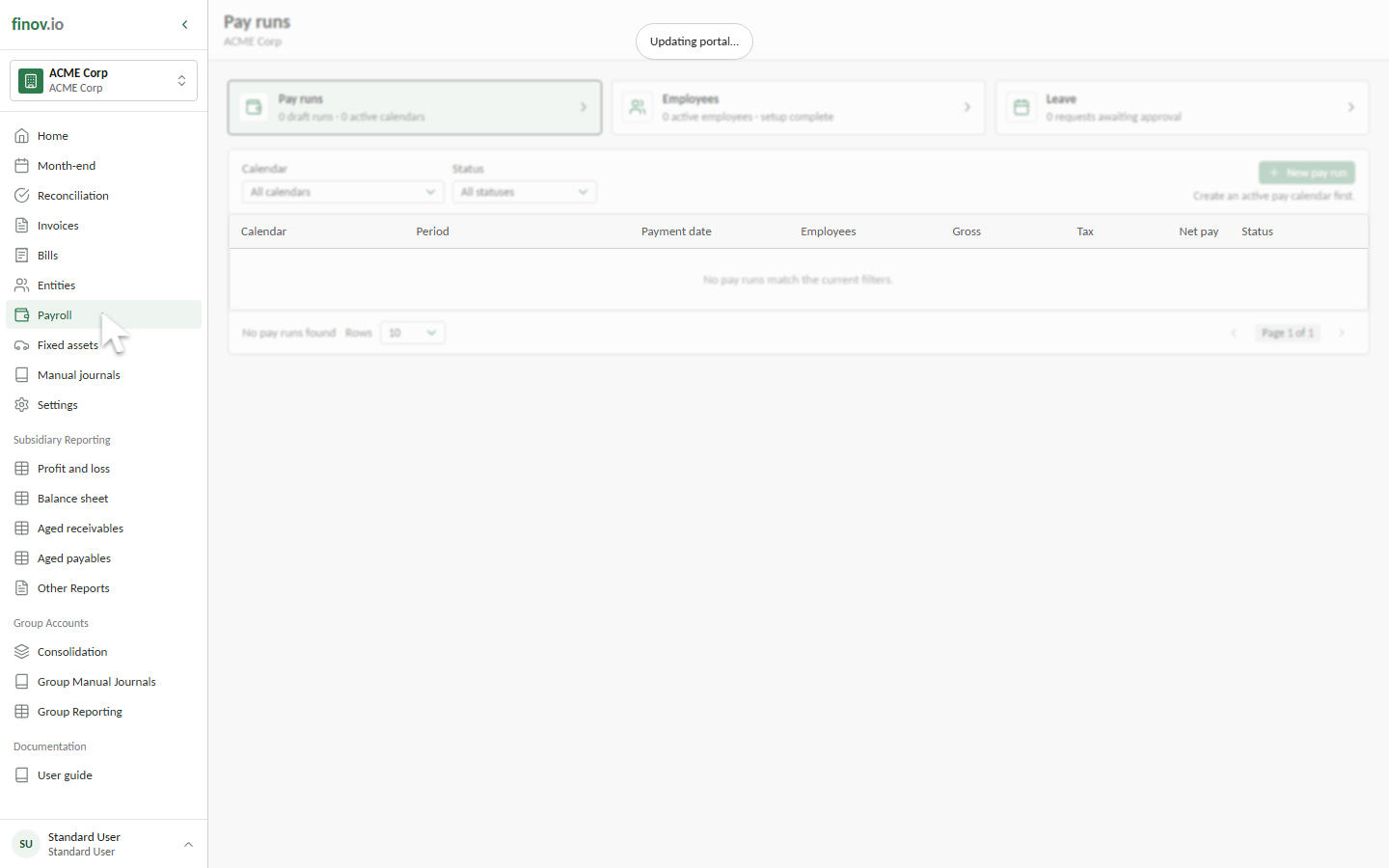
Operational pages
Before processing payroll
Payroll should be enabled with complete account mappings, an active calendar and earnings rate, and fully configured employees. The setup panel identifies anything that still needs attention.
New Zealand processing walkthrough
This walkthrough connects IR330 declarations, PAYE, student loans, KiwiSaver, leave records, employee payments, Inland Revenue remittance, and payday filing evidence to the controls used during a Finovio pay run.
Australian processing walkthrough
This walkthrough connects TFN and STP declarations, PAYG withholding, employee entitlements, superannuation, payslips, payment exports, and STP filing evidence to the controls used during a Finovio pay run.
Typical processing flow
- Review employee changes and leave.
- Create a draft from Pay runs.
- Review payroll by employee and one-off reimbursements.
- Confirm the draft journal and payment allocations.
- Approve the run when required, then submit it.
- Download the payment file and record when payments have been sent.
Submission posts the payroll journal and makes the financial lines read-only. Bank-file download and bank reconciliation remain separate actions.