Attaching files to an asset
Finovio Users Guide / Fixed Assets
Review supporting documents associated with an asset record.
In this guide
Where to find it
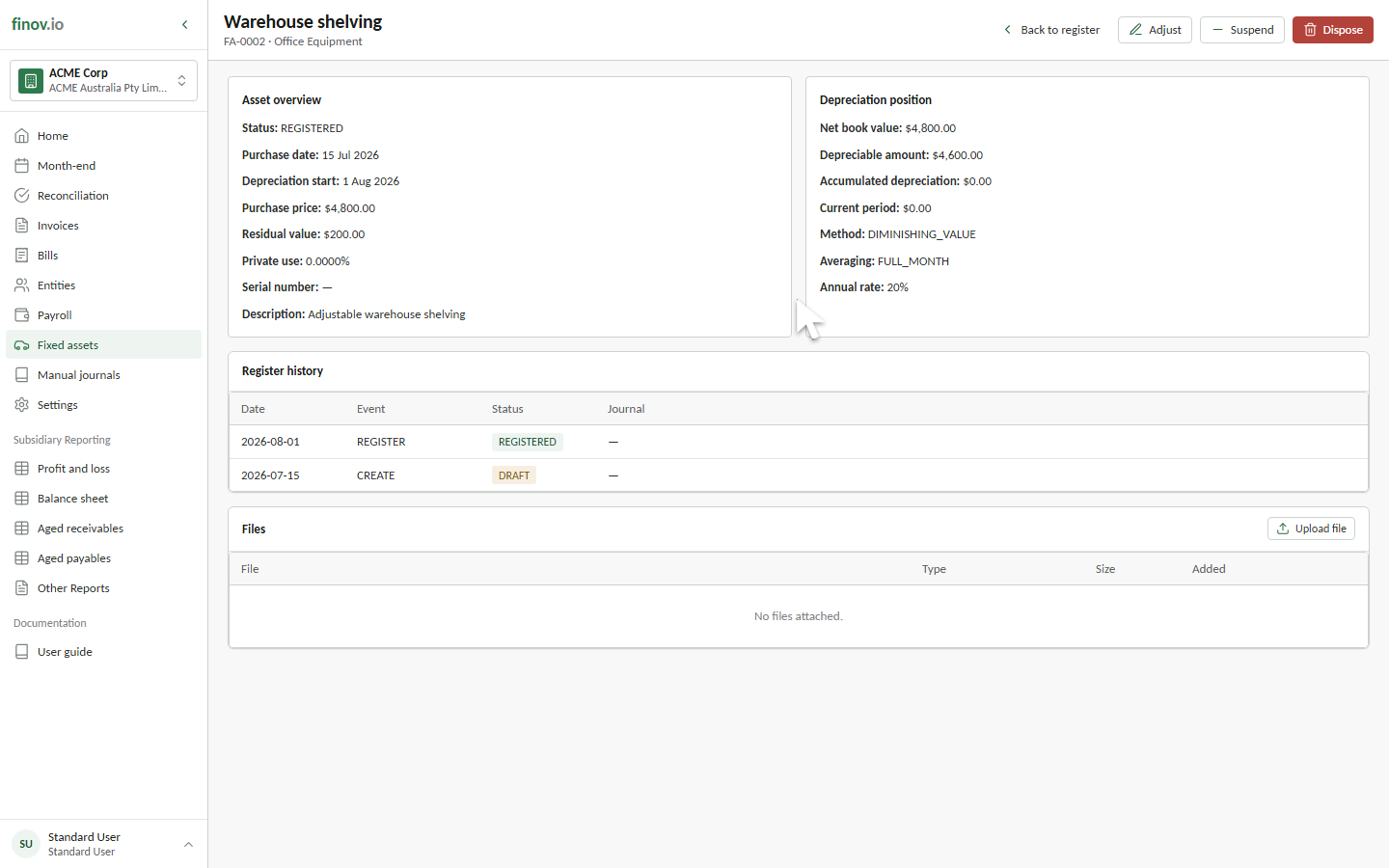
Open an asset. The Files section appears when the asset has associated files and shows the filename, type, size, and date added.
What to attach
Purchase invoices, contracts, serial number photos, warranty documents, and disposal evidence are all common attachments. Attach anything that supports the asset's cost, ownership, or eventual disposal.
Managing files
The customer portal currently displays associated file records but does not provide upload or delete controls. Contact your Finovio support contact when a file needs to be added or removed.