Fixed asset reconciliation
Finovio Users Guide / Fixed Assets
Confirm that the asset register agrees with the balance sheet.
In this guide
Where to find it
Open Fixed assets to review register totals and individual asset schedules. Open Reports → Balance sheet to review the related general-ledger balances. There is not currently a separate fixed asset reconciliation tab in the customer portal.
What to compare
For each asset account grouping, compare:
- Asset purchase cost in the register with the linked asset account balance.
- Accumulated depreciation from posted asset schedules with the linked accumulated depreciation account balance.
- Register net book value with the asset account balance less accumulated depreciation.
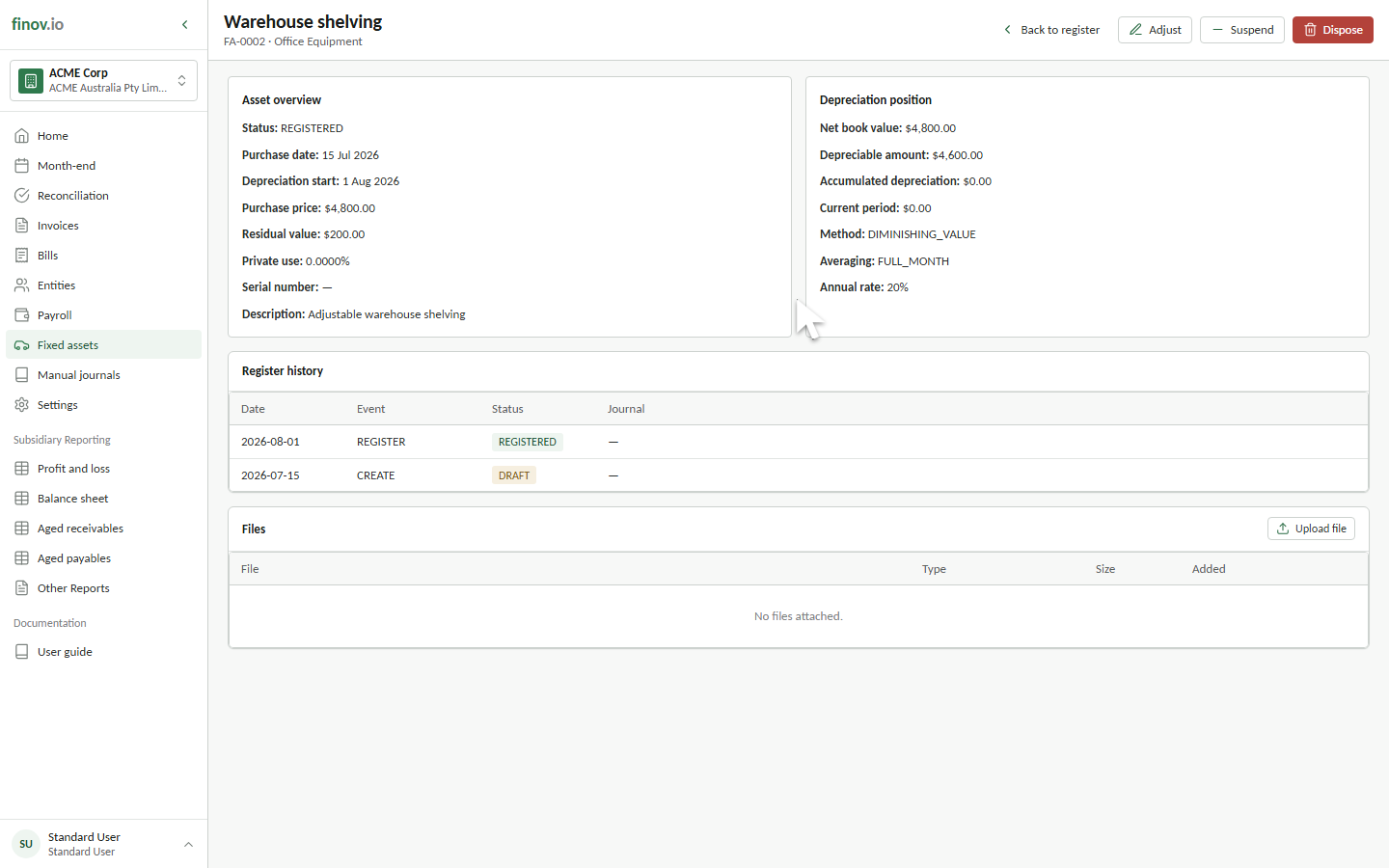
Net book value is calculated from the asset's purchase cost, prior accumulated depreciation, and posted depreciation rows. It is not a separately editable balance.
Tracing a difference
Open an asset to review its Depreciation schedule and the journal number for each posted month. Use the journal number to compare the schedule with the general ledger. Also review Register history for registration, setting changes, status changes, disposal, or depreciation rollback events.