Correcting a reconciliation: reversal
Finovio Users Guide / Bank Reconciliation / Correcting a Reconciliation
Undo a bank reconciliation in a locked period without altering history.
In this guide
When this applies
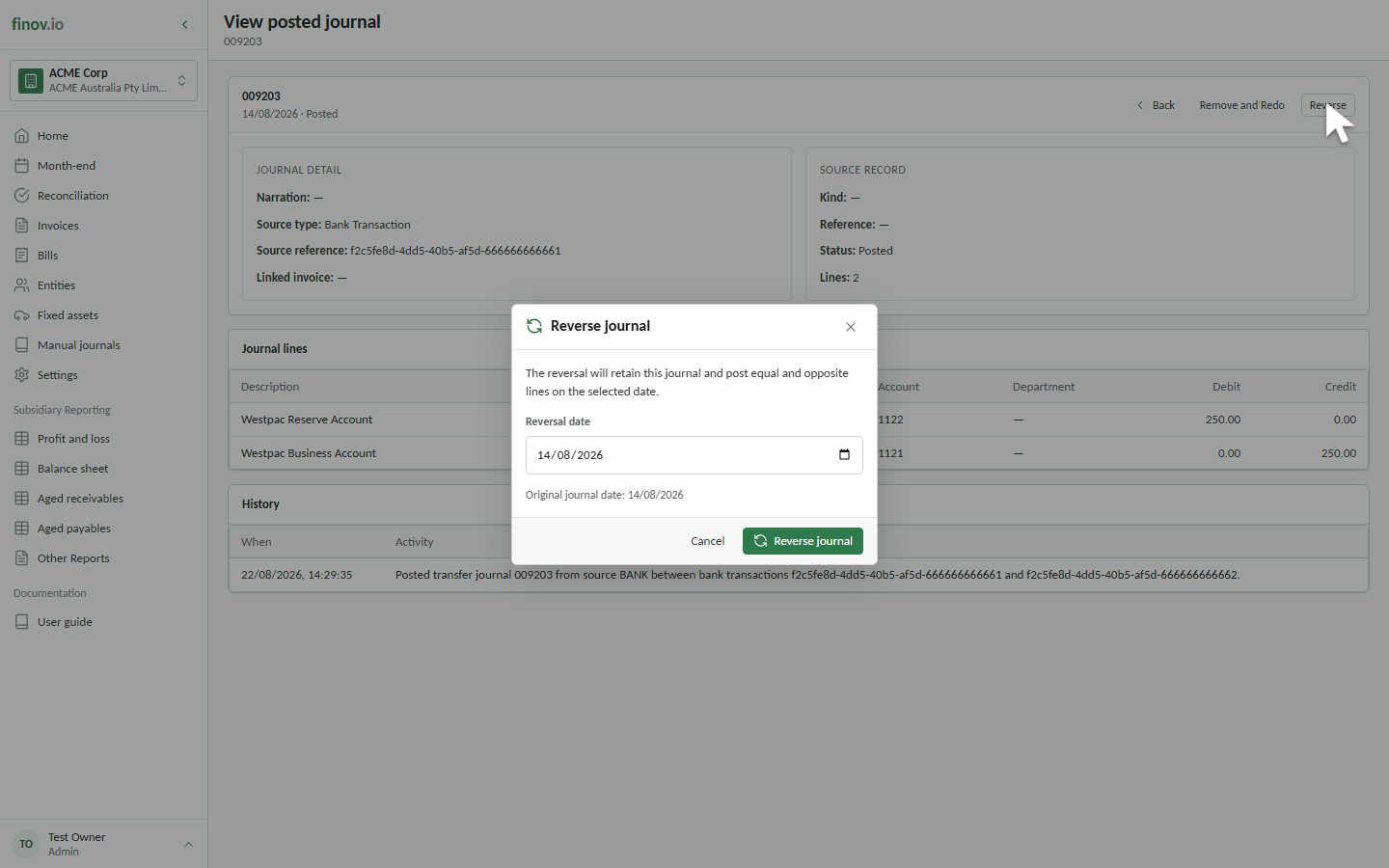
What happens
A new reversal journal is posted on the first open date (or today's date, whichever is later), with every original line copied and its direction flipped. The original journal gets an UNRECONCILED history event; the reversal gets a REVERSAL_POSTED event. The source bank transaction returns to mapped = 0 so it's available in your feed again. If the original journal settled an invoice, that invoice's status is recalculated after the reversal posts.
Why it works this way
Postings on or before the lock date are immutable. Reversal preserves the original entry exactly as it was posted and adds an offsetting entry in an open period, so the audit trail shows what actually happened rather than rewriting history.