Validating and balancing
Finovio Users Guide / Manual Journals
Before a manual journal can post, it has to pass both structural validation and a gross-balance check.
In this guide
- Workbook validation
- Structural checks
- Tax checks
- Balancing on gross, not net
- Worked balance examples
Workbook validation
When you upload a workbook, Finovio validates every row before Load draft becomes available. It checks that account, tax, and dimension values are active in the selected subsidiary and that every row belongs to the same journal.
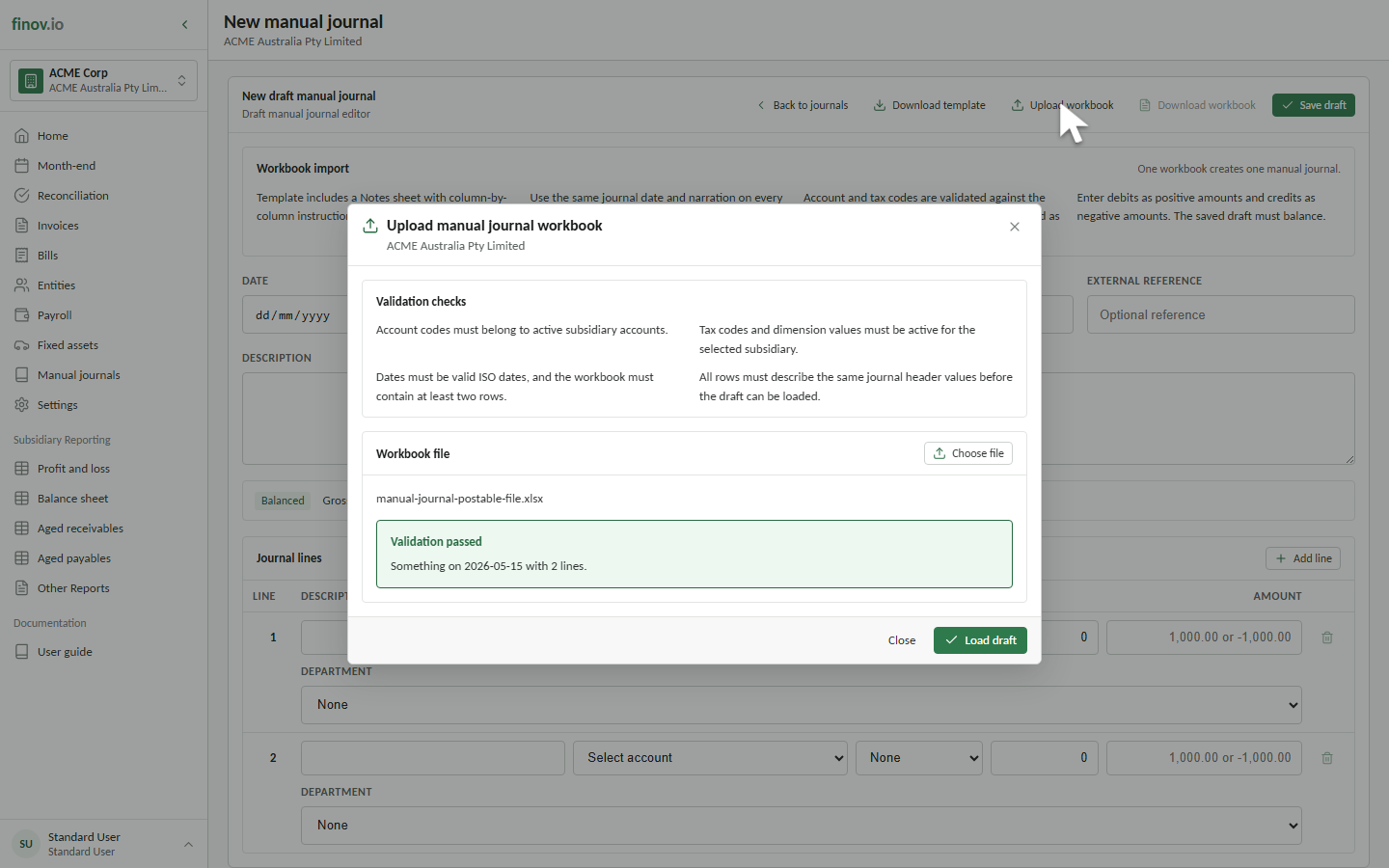
Validation does not save or post the journal. After validation passes, load it into the editor and review the complete draft.
Structural checks
- Journal date is required. Workbook dates must use
YYYY-MM-DD. - Narration is required.
- At least two lines are required.
- Every line references a valid, active account.
- Every line amount is non-zero.
- Any dimension values used must resolve to active dimension elements for the subsidiary.
- Workbook rows must repeat the same date, narration, and external reference.
Tax checks
- A zero-rated line can omit its tax code only if the subsidiary has an active
NONEtax code. - A non-zero tax line can use an explicit active tax code, or a rate that resolves unambiguously to exactly one active tax-exclusive code.
- Tax-inclusive entry isn't supported for manual journal workbook imports. Enter net amounts and let tax calculate from the rate.
Balancing on gross, not net
Worked balance examples
Zero-rated reclassification
| Line | Net | Tax | Signed gross |
|---|---|---|---|
| Debit Product Sales | 1,000.00 |
0.00 |
1,000.00 |
| Credit Service Sales | -1,000.00 |
0.00 |
-1,000.00 |
| Gross balance | 0.00 |
Taxable debit with a zero-rated credit
A debit of 1,000.00 at 10% tax has a signed gross value of 1,100.00. Its balancing zero-rated credit must therefore be -1,100.00. A credit of only -1,000.00 would leave the journal out of balance by 100.00.