Payment terms
Finovio Users Guide / Company Setup
Payment terms define how an invoice's due date is calculated, and can be applied at the contact or invoice level.
In this guide
Where to find it
Settings → Invoice settings → Payment terms.
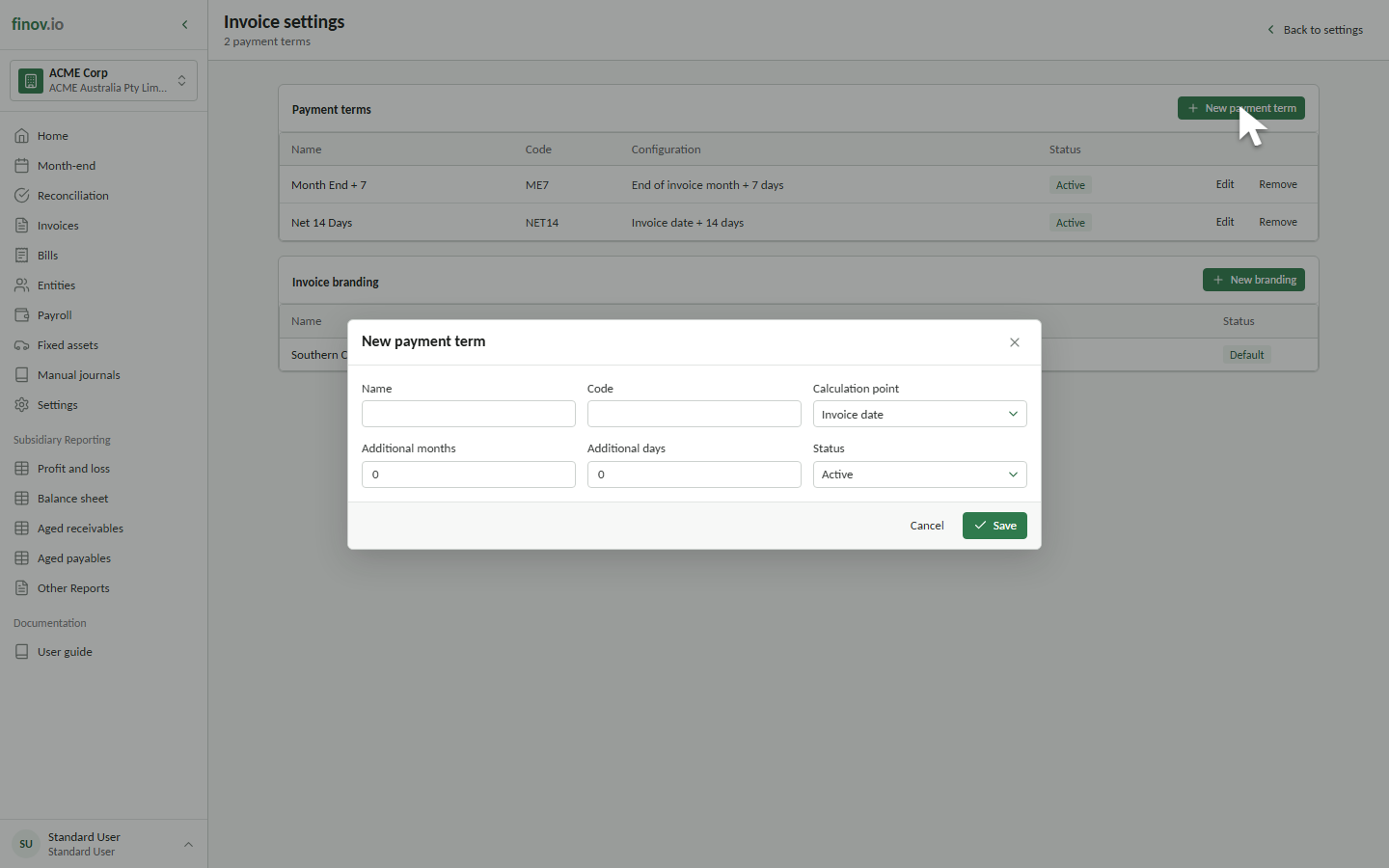
Creating a payment term
Give the term a name (e.g. "Net 30", "Due on receipt") and its calculation rule. Once created, it becomes available as a default on contacts and as an override at invoice creation time.
Editing and removing payment terms
Edit a payment term to change its name, code, calculation rule, or status for future invoices. Existing invoices retain the payment term name and due date saved when they were created.
Removing a payment term clears it from entity defaults so it cannot be applied to new invoices. Existing invoices retain their saved payment term and due date.
Applying payment terms
A contact can carry a default payment term, which pre-fills every new invoice raised against them. See Contact activity and payment terms. You can still override the term on an individual invoice.