Adjusting an asset
Finovio Users Guide / Fixed Assets
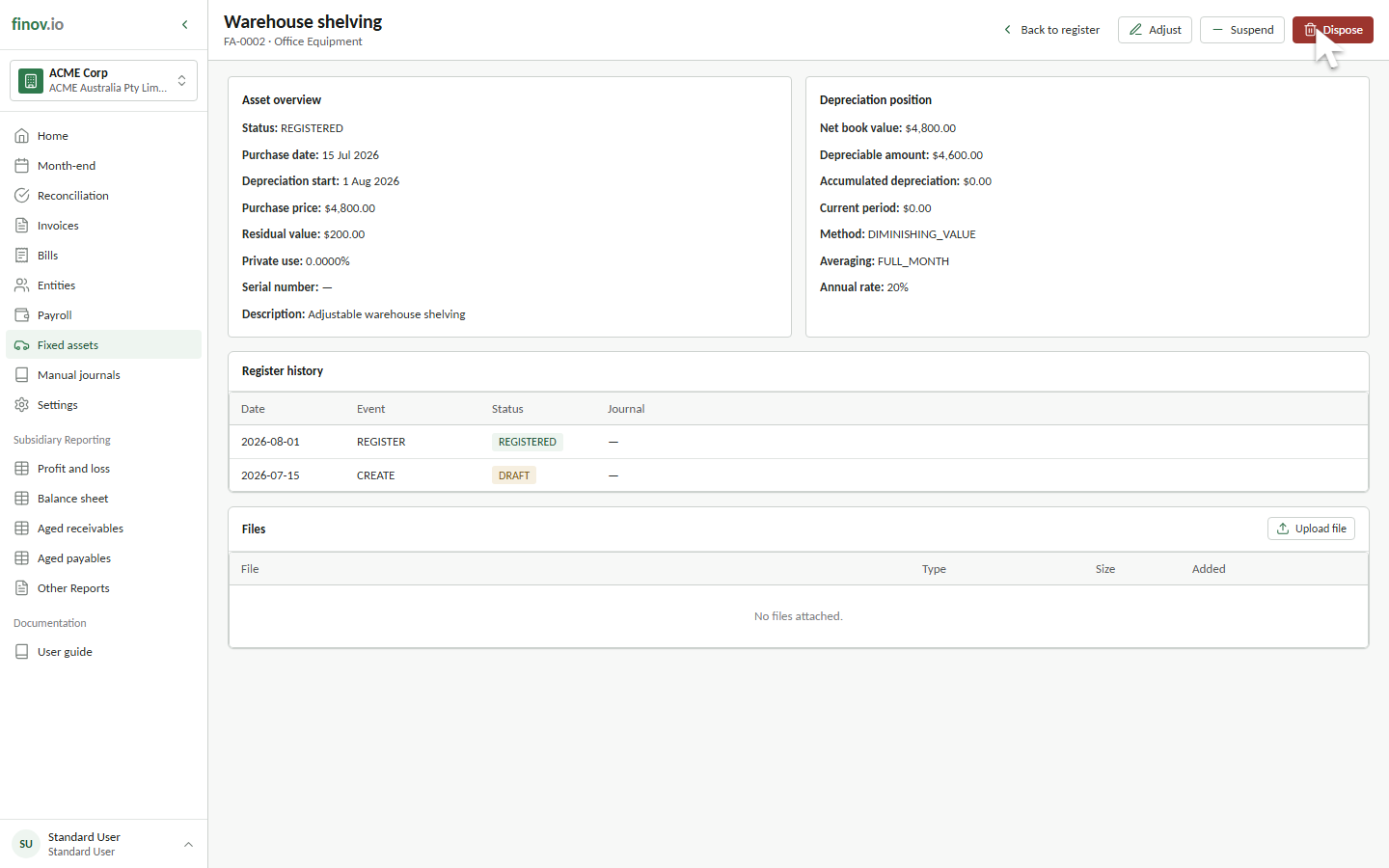
Draft assets can be edited directly. Registered assets require a controlled adjustment so the change remains visible in the register history.
In this guide
Editing a draft
Open the draft and select Edit draft. You can change the asset type, name, number, purchase price, purchase date, depreciation start date, residual value, and description before registration.
After registration
The customer portal does not currently expose an adjustment form for registered assets. Contact your Finovio support contact when a registered asset's settings need to change. Disposed assets cannot be adjusted.
What an adjustment records
A controlled adjustment records its effective date, reason, values before the change, and values after the change in Register history. It updates the asset settings used by later depreciation calculations. It does not rewrite depreciation rows or journals that have already been posted, and it does not automatically create an adjustment journal.