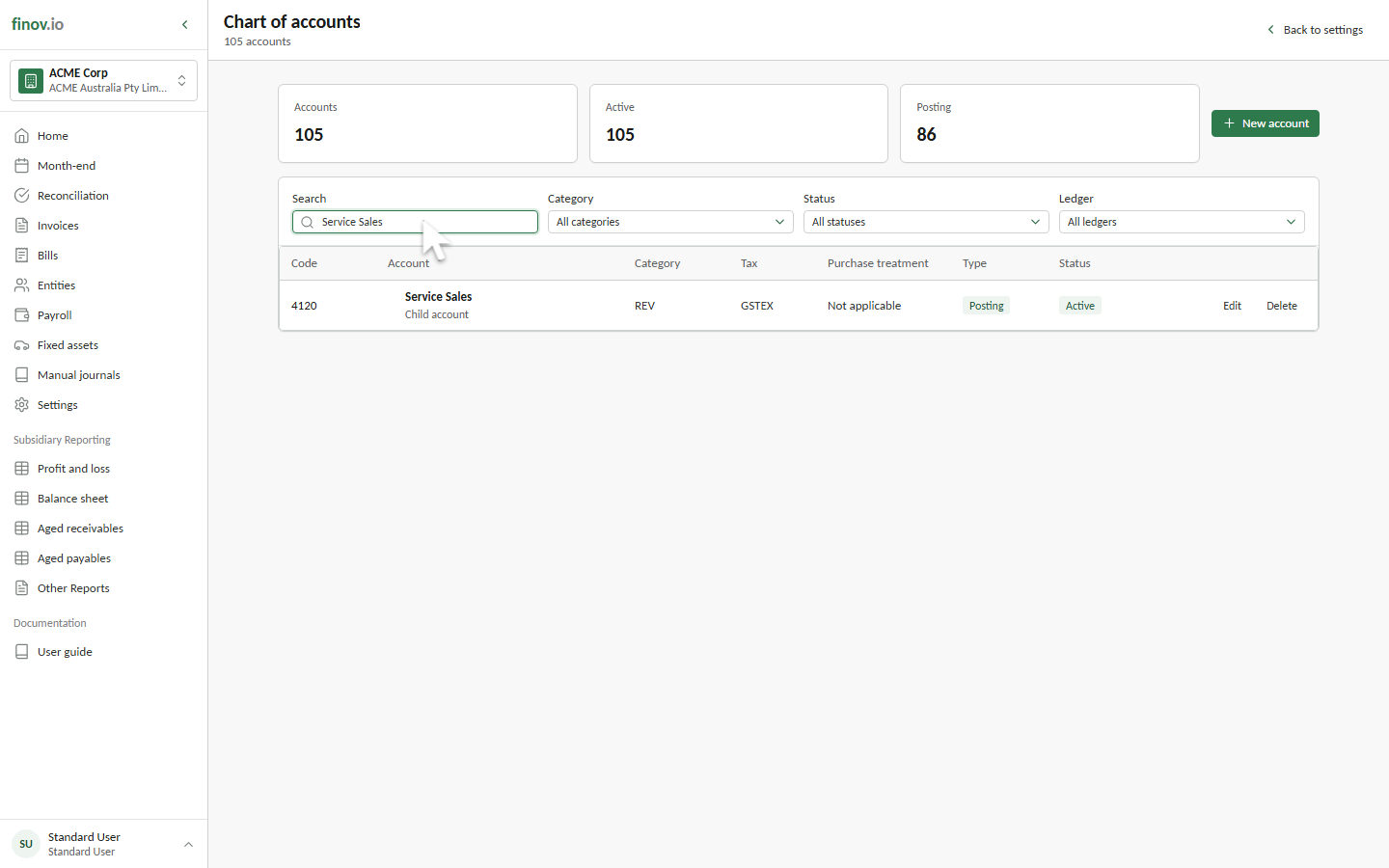
Chart of accounts
Finovio Users Guide / Company Setup
The chart of accounts is the list of general ledger accounts everything else in Finovio posts to: invoices, bank reconciliation, manual journals, and fixed asset depreciation.
In this guide
Where to find it
Settings → Chart of accounts.
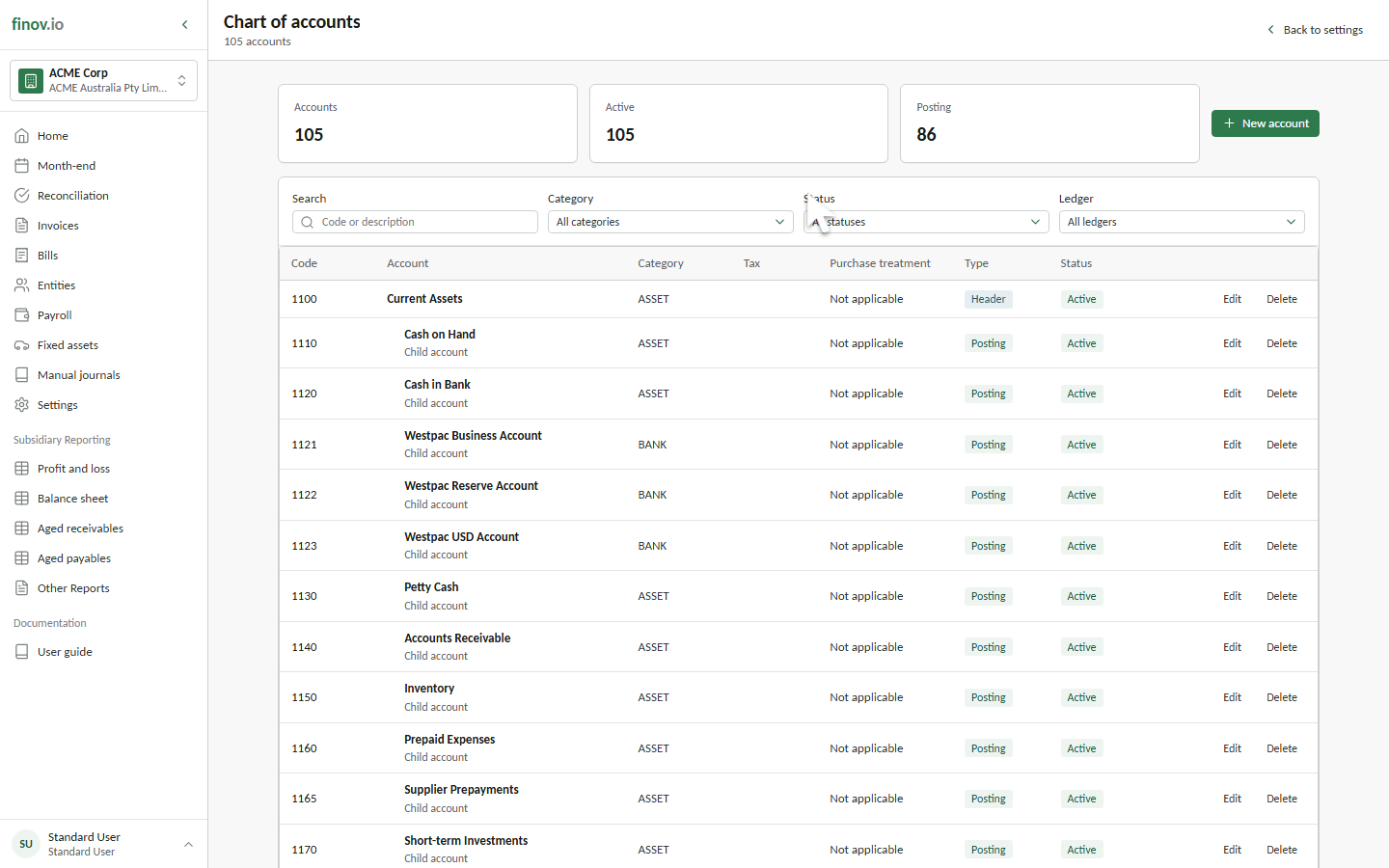
Account structure
Each account has a code, a description, and a category (its balance-sheet or P&L classification). Codes are what you'll see throughout the rest of the portal: on journal lines, in the reconciliation screen, and in every report.
Categories
Every account belongs to an account category (Revenue, Cost of Sales, Expense, Asset, Liability, Equity, and so on). Categories drive where an account appears on the profit and loss and balance sheet, and which accounts are eligible targets for specific workflows. For example, only balance-sheet accounts in a BANK category can be linked to a bank account.