General ledger
Finovio Users Guide / Reports
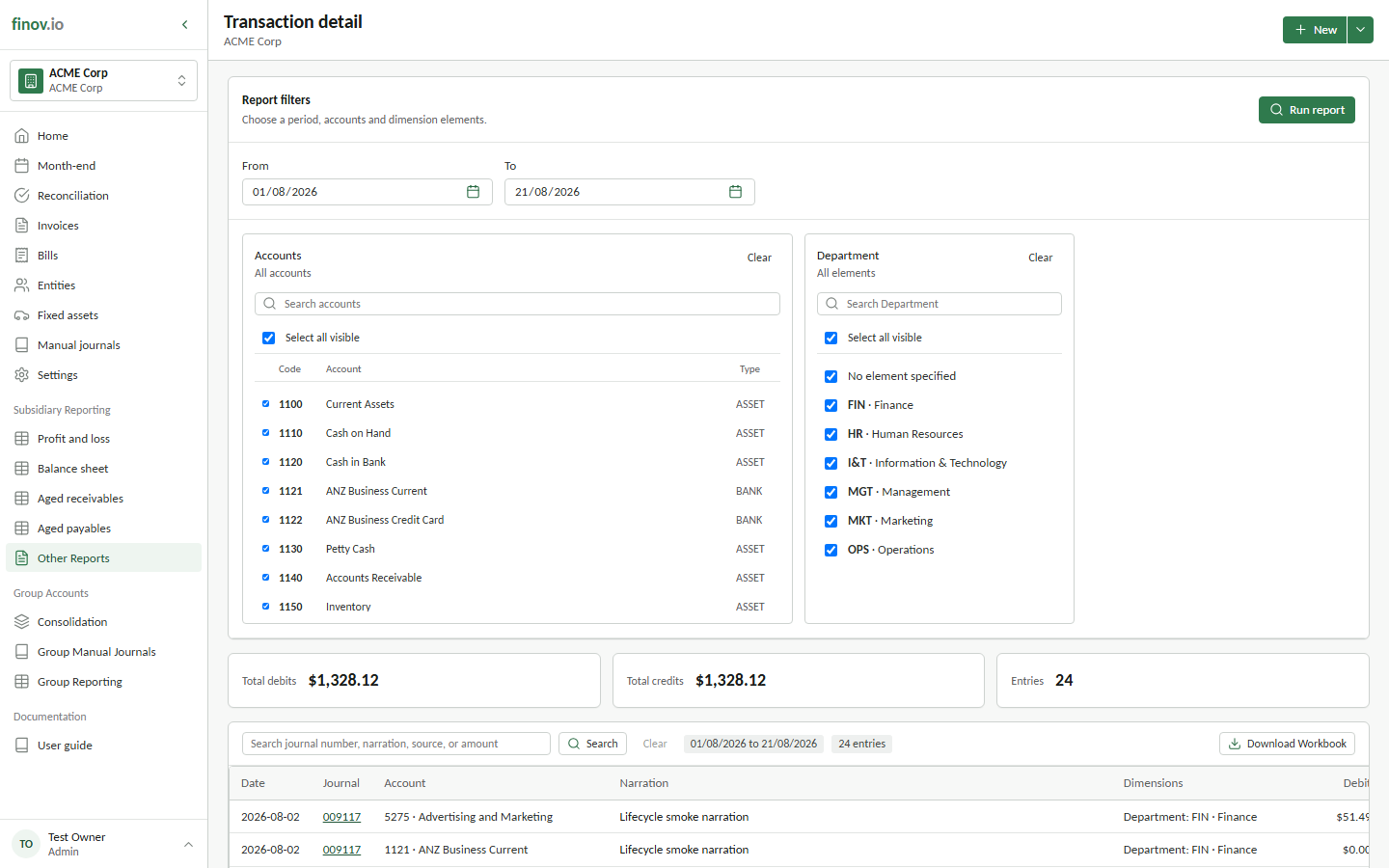
Every posted transaction line for a chosen account and date range, in order: the audit trail behind every other report.
In this guide
Where to find it
Reporting → General ledger.
Filtering to an account
Choose a date range and, optionally, a single account to narrow the view. Without an account filter you get every posted line across the subsidiary for the period; with one, you get that account's full transaction history. This is useful for reconciling a specific control account or investigating an unexpected balance.
Where this shows up elsewhere
This same underlying report powers drilling down into a report line from the P&L or balance sheet. When you drill into an account from those reports, you're looking at a filtered general ledger view.