General
Finovio Users Guide / Payroll / Configuring Payroll
General controls whether payroll is available for the selected subsidiary and how its pay runs are approved and funded.
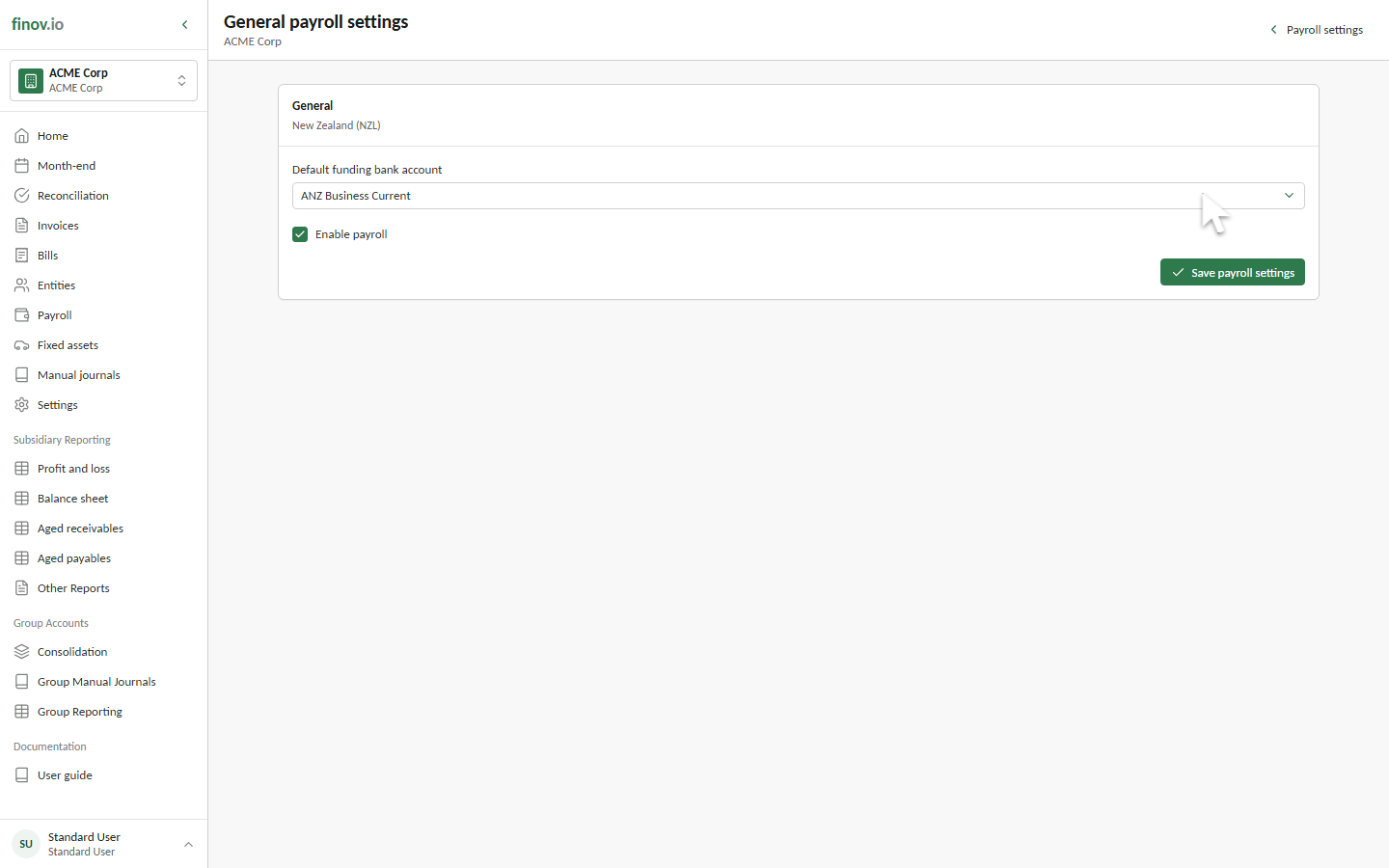
Enable payroll
Turn on Enable payroll to make the operational Payroll area available. Turning payroll off hides operational access but retains existing payroll configuration and history.
Approval policy
Enable Require approval before submitting pay runs when a draft must be reviewed by an approver before it can post. When approval is required, a run progresses from Draft to Approved before submission.
Funding bank account
Choose the active bank account used to produce payroll payment files. A missing funding account does not prevent drafting or journal submission, but it prevents the payment file from being generated.
The subsidiary country is read-only because it controls statutory fields, retirement terminology, and the payment format.