Drilling down into a report line
Finovio Users Guide / Reports
Click through from a profit and loss or balance sheet line to the transactions that make it up.
In this guide
How it works
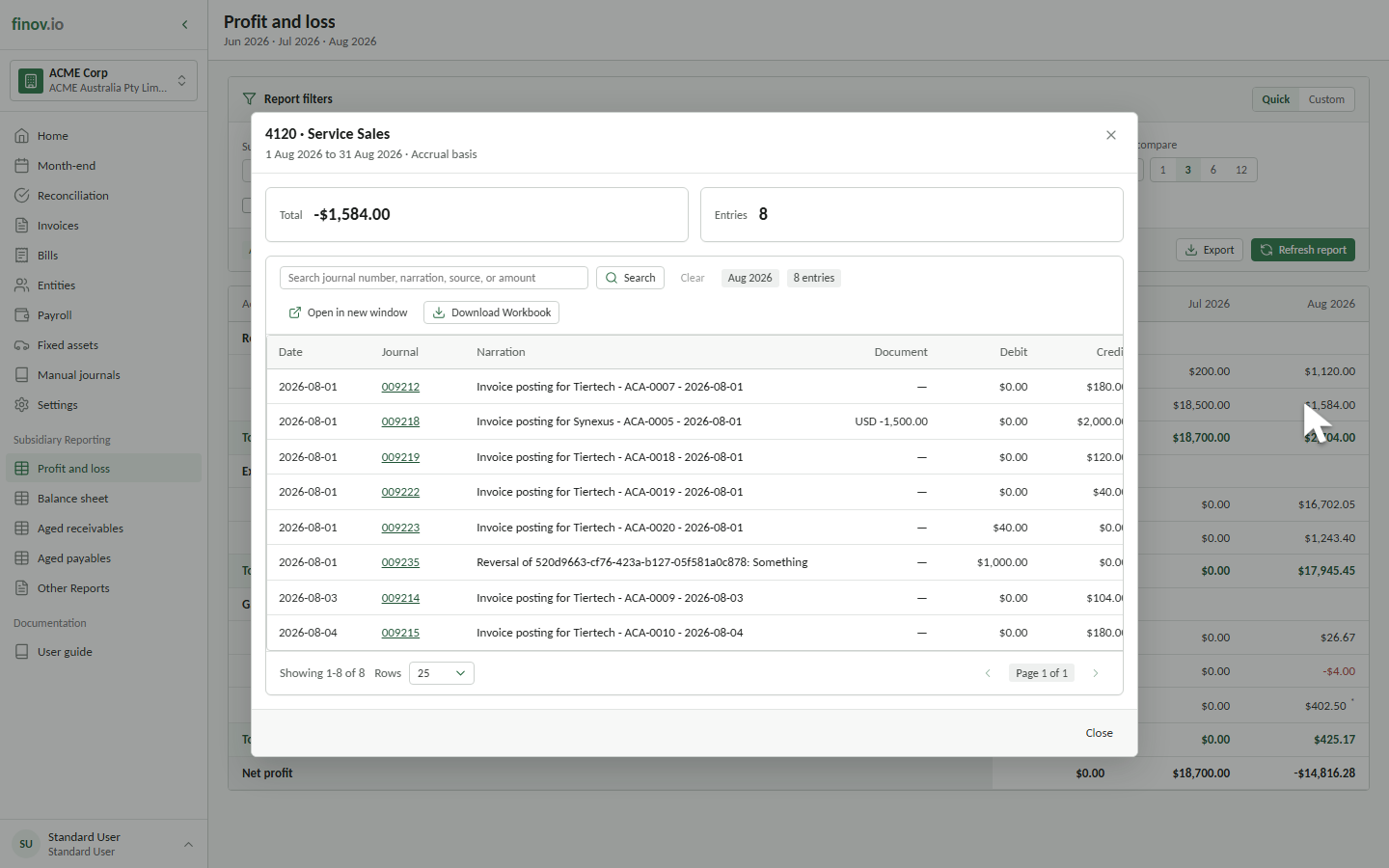
Click an account line on the P&L or balance sheet to open its drilldown: every posted entry behind that balance for the selected date range, searchable by journal number, date, source, or narration.
Jumping to the source record
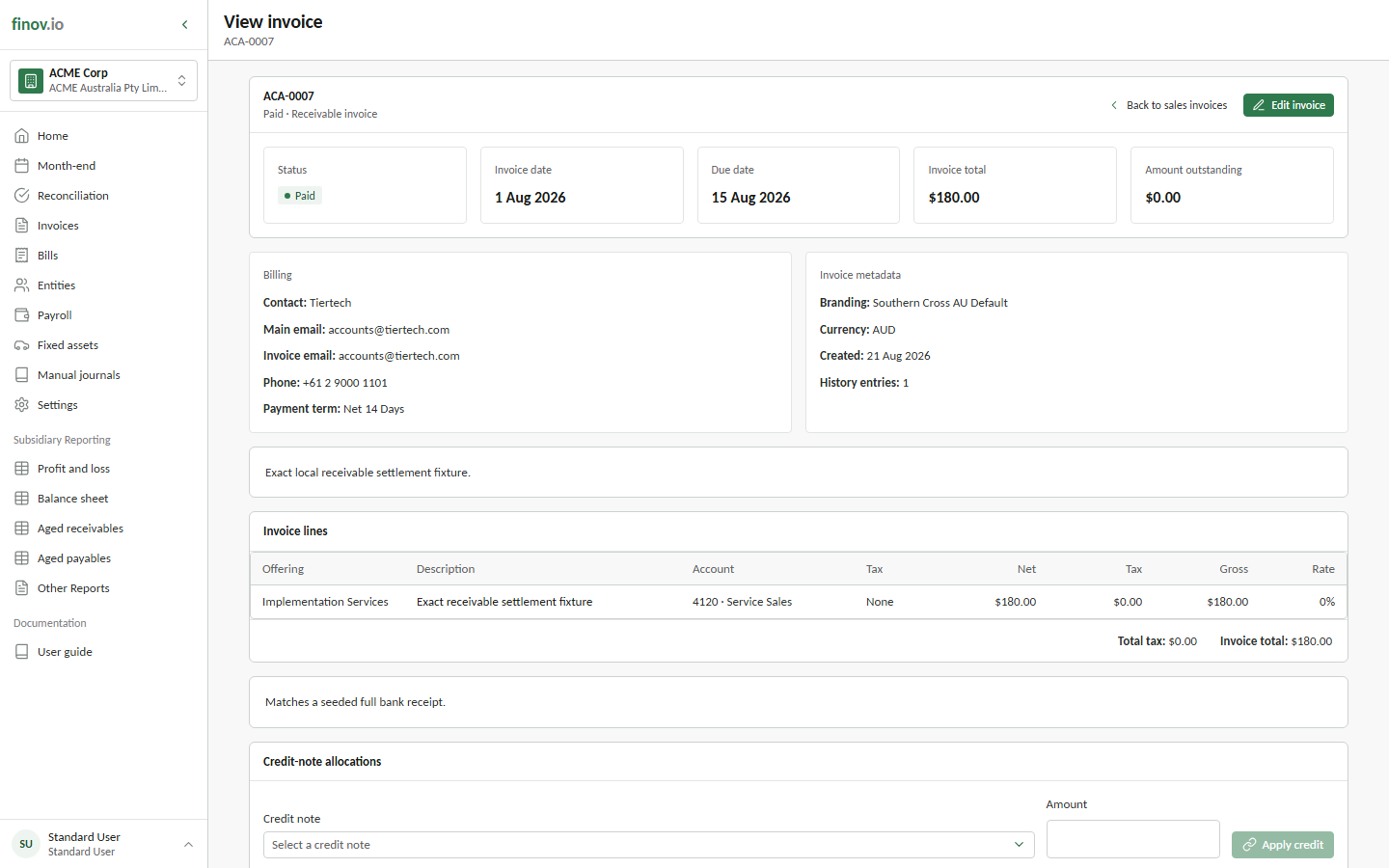
Each drilldown entry knows where it came from. Depending on the posting's origin, you can open the invoice, the source manual journal, or the fixed asset that generated it directly from the drilldown line. You don't need to find it yourself in the relevant workspace.