Creating a supplier bill
Finovio User Guide / Invoices and Bills
A bill records an expense or cost owed to a supplier and raises a payable.
In this guide
Where to find it
Open Bills from the main navigation, then select New. The Bills register contains supplier bills and supplier credit notes only; customer documents are kept separately under Invoices.
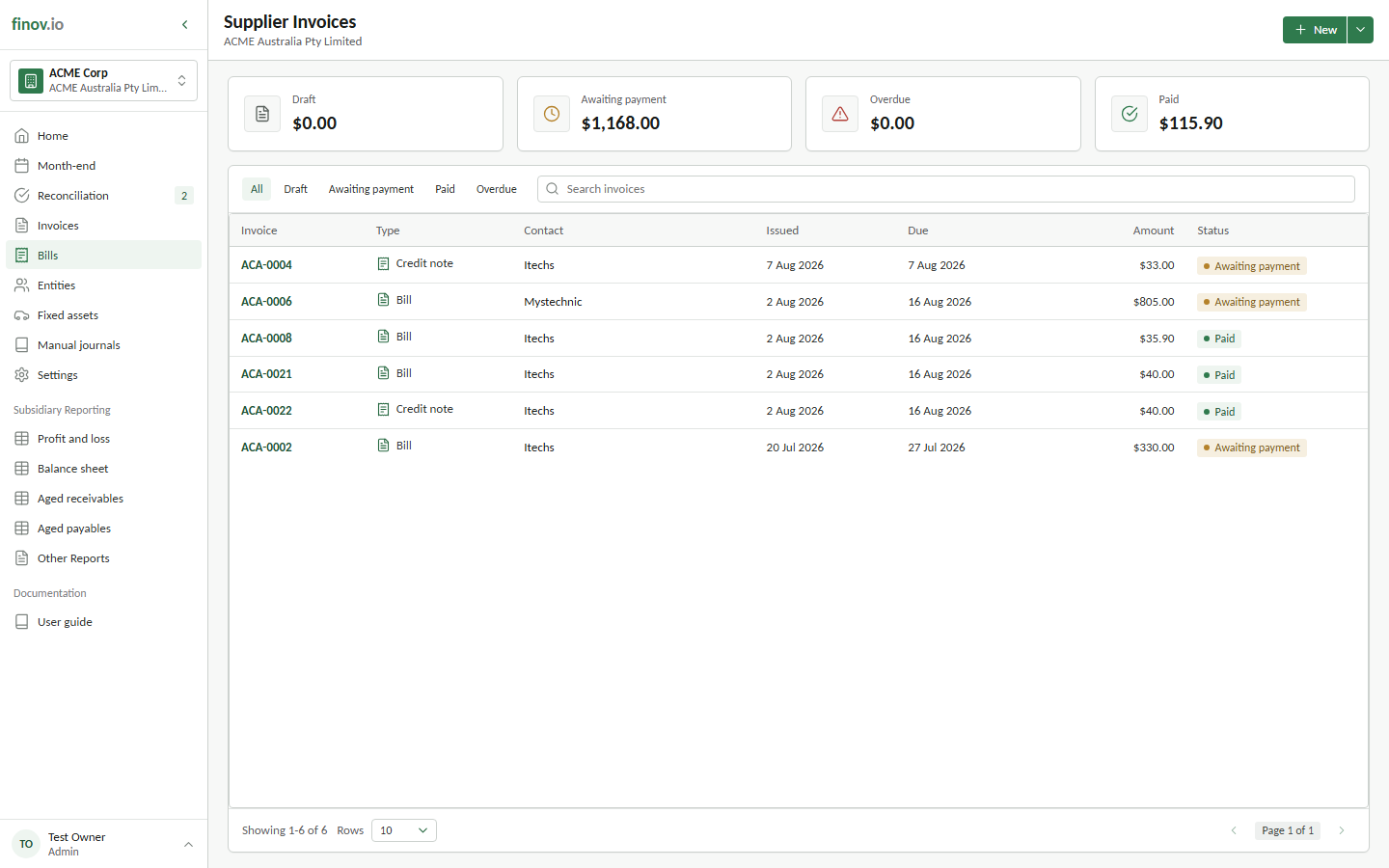
Creating a bill
Choose the supplier, set the invoice and due dates, and add lines against expense, cost-of-sales, or asset accounts with the appropriate tax code. Add the supplier's reference and useful notes so the document can be traced back to the source bill.
How it differs from a sales invoice
A bill posts a payable rather than a receivable, and its lines typically use expense or asset accounts instead of revenue accounts. Its draft, posting, payment, and correction controls otherwise follow the same lifecycle as customer invoices.