Profit and loss
Finovio Users Guide / Reports
Income and expense for a period, with flexible comparison columns.
In this guide
Where to find it
Reporting → Profit and loss.
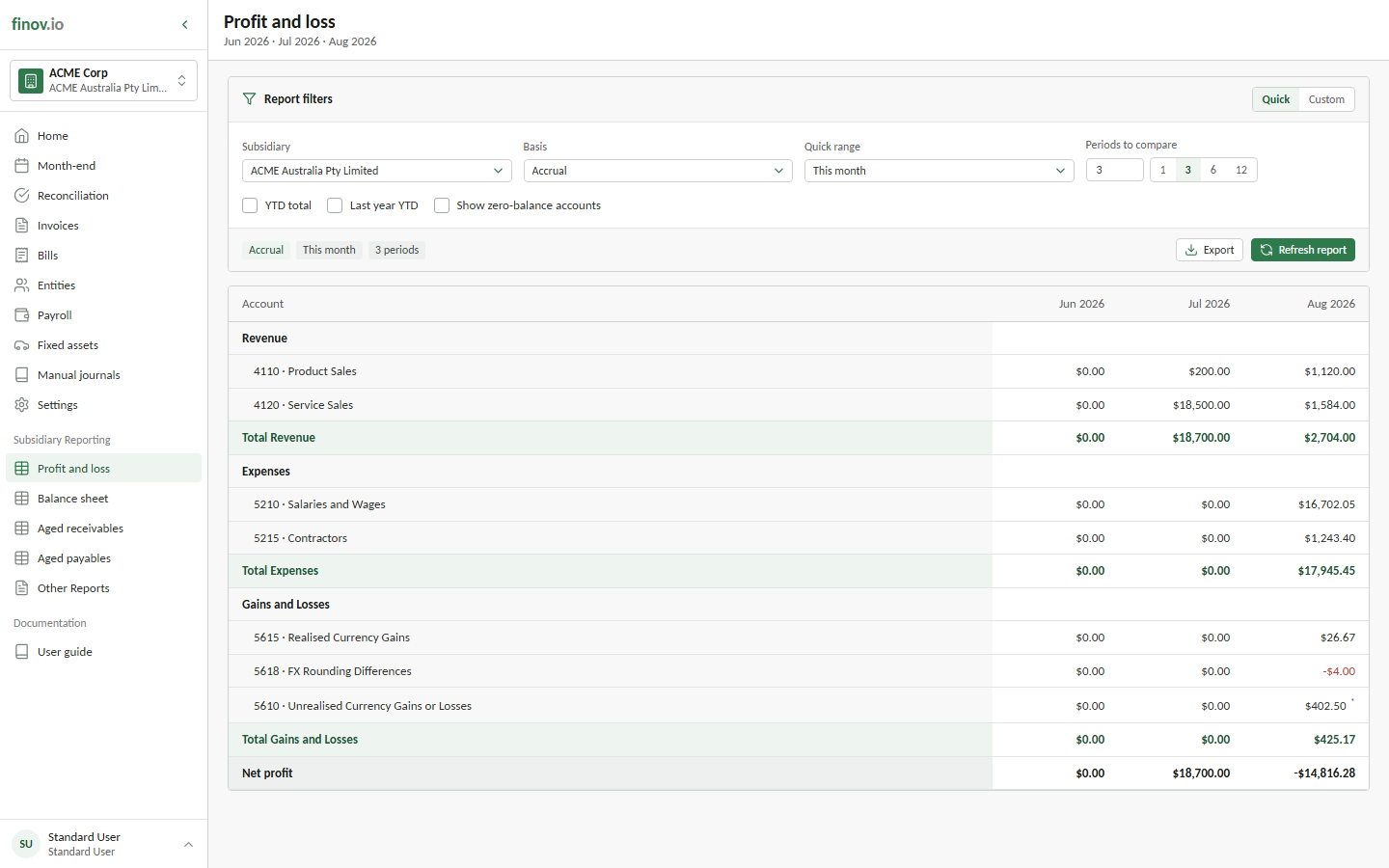
Setting the period
Choose a from and to date, or pick a preset like "This month," "This quarter," "This financial year," or "Last financial year." The financial year boundary follows your subsidiary's configured financial year start month.
Comparison columns
Beyond a single date range, you can break the report into repeating columns by month, quarter, financial quarter, year, or financial year, up to 36 periods. You can also add a year-to-date column and a last year, same year-to-date column for a same-period comparison.
Accrual vs cash basis
Switch the reporting basis between accrual (the default) and cash. Cash basis reprojects the ledger onto actual cash movement rather than accrual-date recognition, which is useful for cash-basis tax reporting or simply seeing the business the way its bank balance tells the story.