Editing and voiding invoices, bills, and credit notes
Finovio User Guide / Invoices and Bills
What you can change depends on whether the document is still a draft, posted, or already has payments or credit-note allocations against it.
In this guide
Editing a draft
A draft invoice is fully editable: lines, amounts, tax, contact, and dates can all be changed freely since nothing has posted to the ledger yet.
Editing a posted invoice
Voiding an invoice
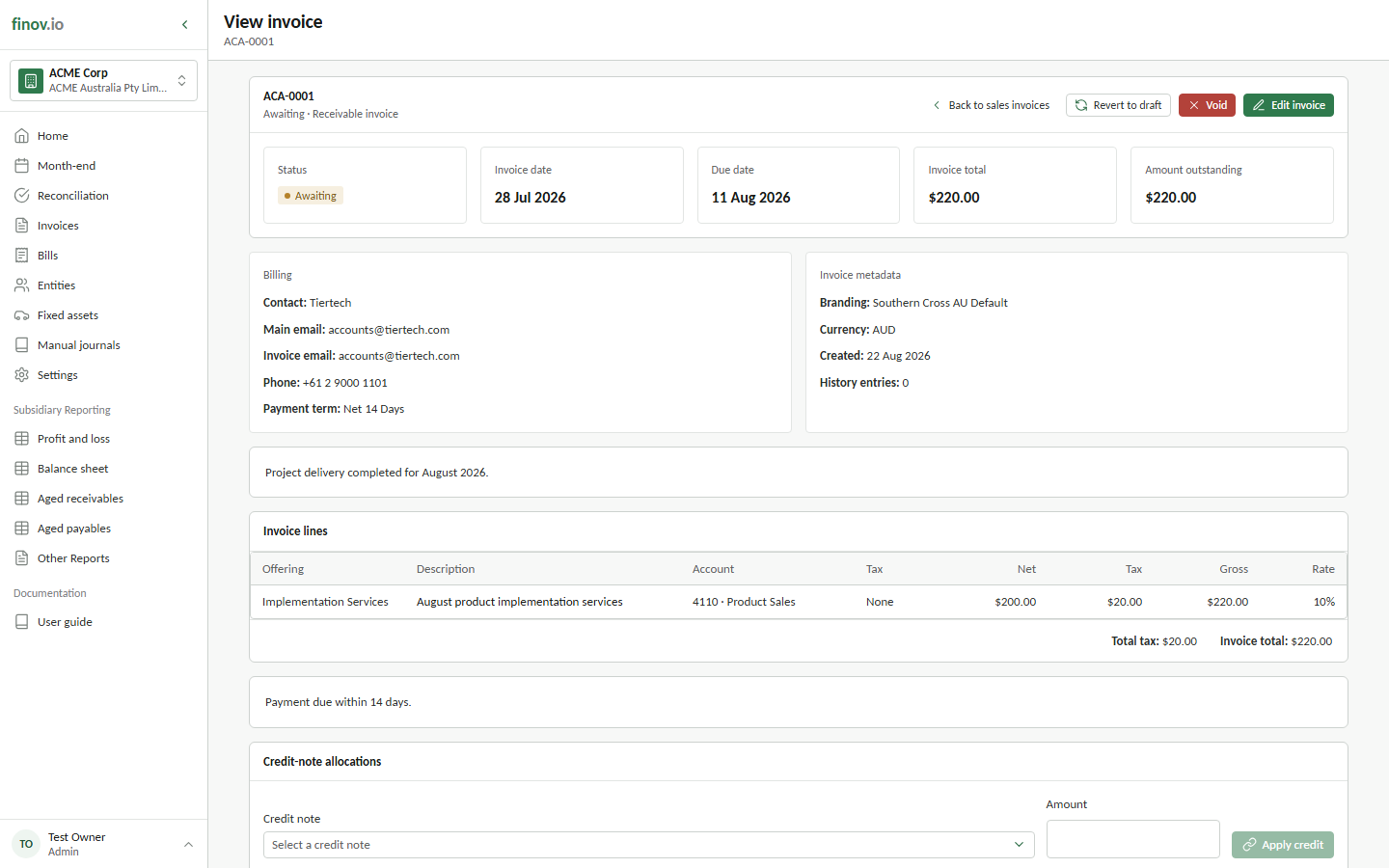
Void preserves the document and its history while preventing further use. It is available only while the document has no active settlement journals or credit-note allocations. If it has been partly or fully settled, remove those links first rather than trying to void the source document underneath them.