Suspending and resuming depreciation
Finovio Users Guide / Fixed Assets
Temporarily exclude an asset from depreciation without removing it from the register.
In this guide
When to suspend an asset
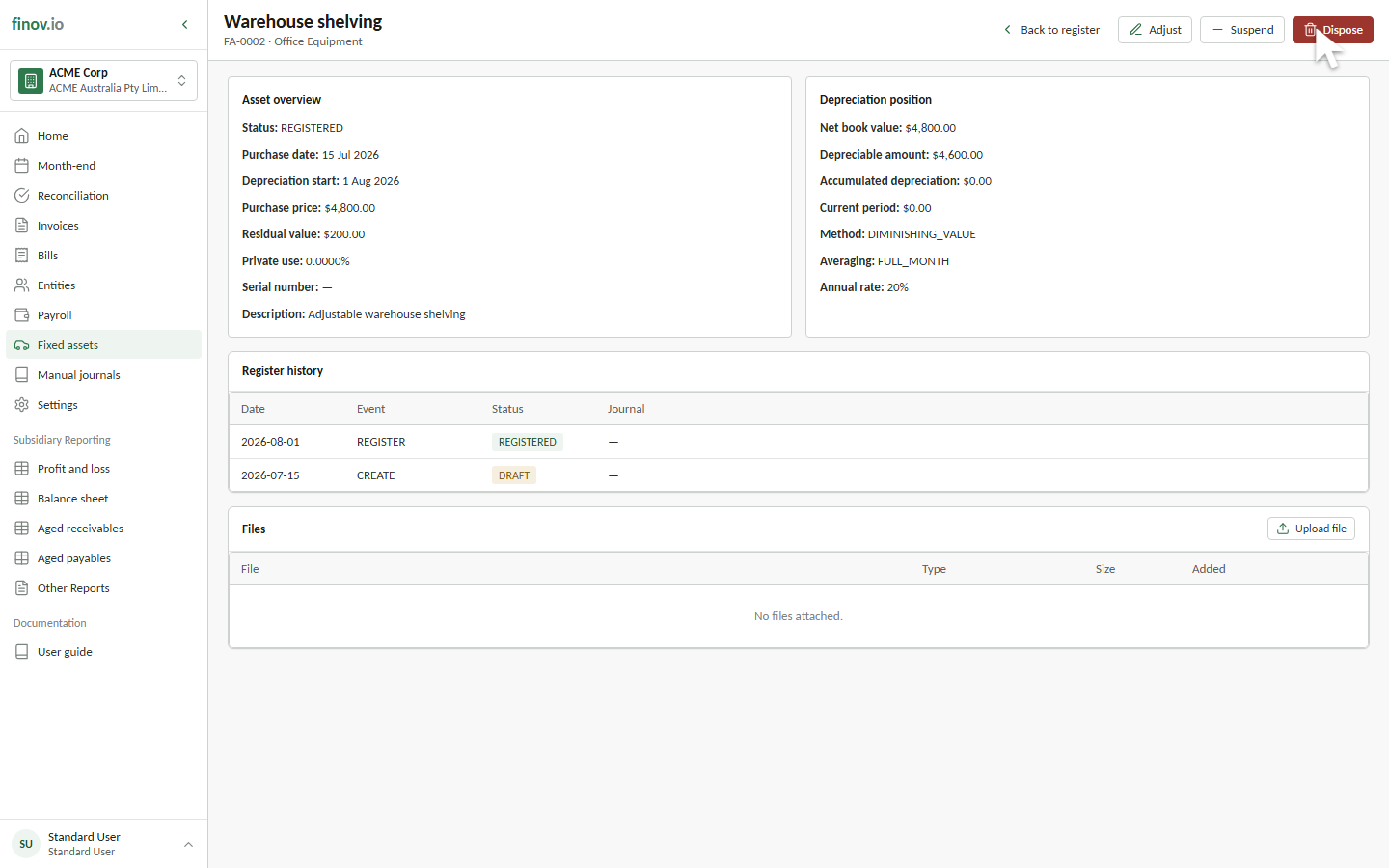
Suspension is appropriate when an asset is temporarily out of service but is expected to return to use. A registered or fully depreciated asset can be suspended. The customer portal does not currently expose suspend and resume controls, so contact your Finovio support contact to request the status change.
What happens while suspended
Depreciation runs skip a suspended asset entirely, so no schedule row or depreciation journal amount is created for it while it is suspended. It remains in the register with the status Suspended.
Resuming
Resuming changes the status back to Registered and makes the asset eligible for subsequent depreciation runs. Suspension does not create catch-up depreciation, so skipped months remain absent from the asset's schedule. Both actions record an effective date and reason in Register history.