Configuring Payroll
Finovio Users Guide / Payroll
Open Settings, select Payroll, and complete the sections needed by the selected subsidiary before processing its first pay run.
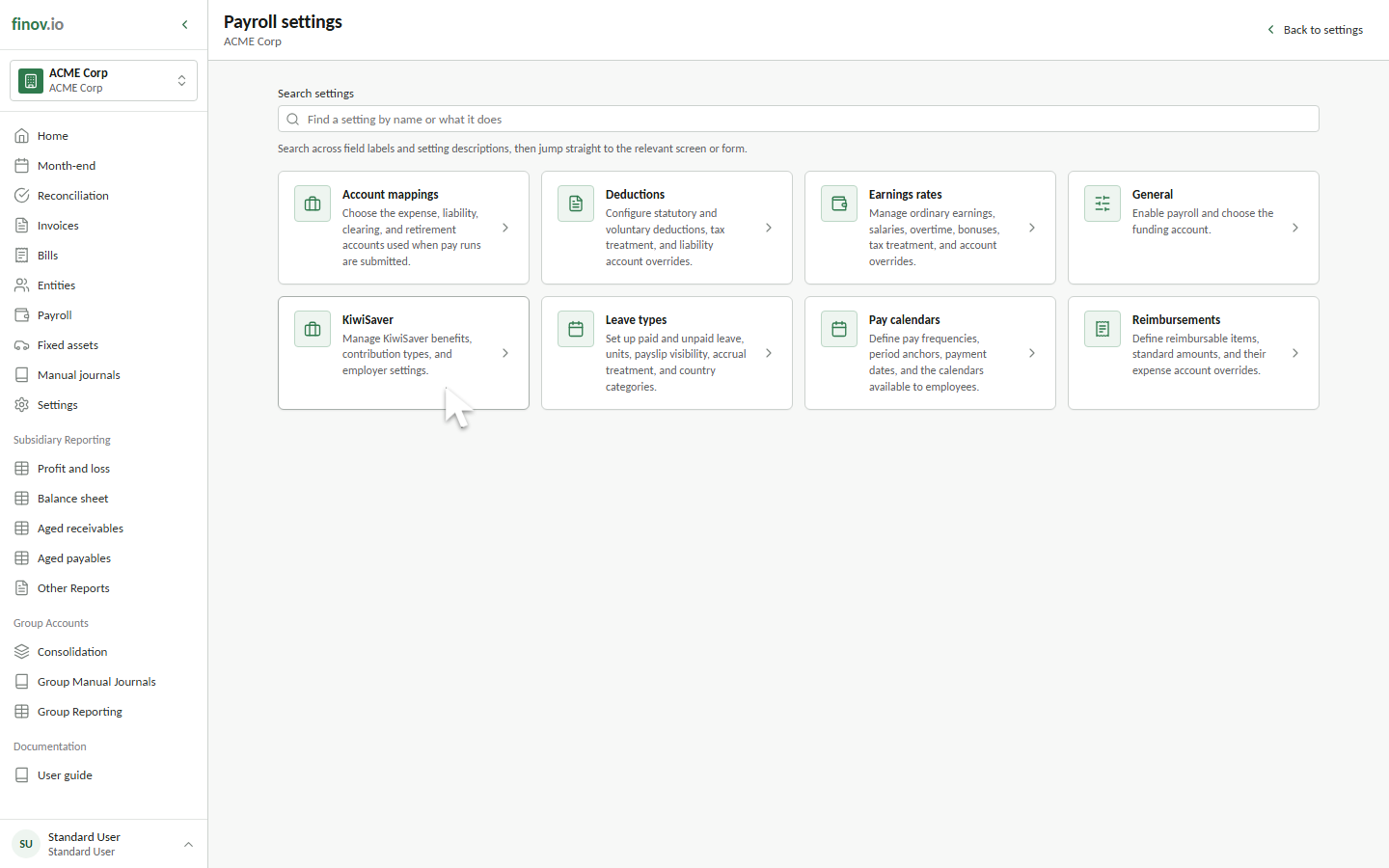
Configuration pages
- General
- Account mappings
- Pay calendars
- Earnings rates
- Deductions
- Leave types
- Reimbursements
- Superannuation
Recommended setup order
- Confirm General settings and the funding bank account.
- Complete Account mappings.
- Create at least one active Pay calendar.
- Review earnings, deductions, leave, reimbursements, and retirement settings.
- Complete employee setup before creating the first pay run.
Payroll is ready when it is enabled and has the required account mappings, an active calendar and earnings rate, and at least one fully configured employee.
Country defaults
Country defaults are copied into a new subsidiary. They become normal subsidiary settings and can be changed, deactivated, or supplemented without changing another subsidiary.
The country also controls statutory terminology and the retirement page. The guide uses Superannuation as the shared navigation title; New Zealand subsidiaries display KiwiSaver in the interface.