Registering an asset
Finovio Users Guide / Fixed Assets
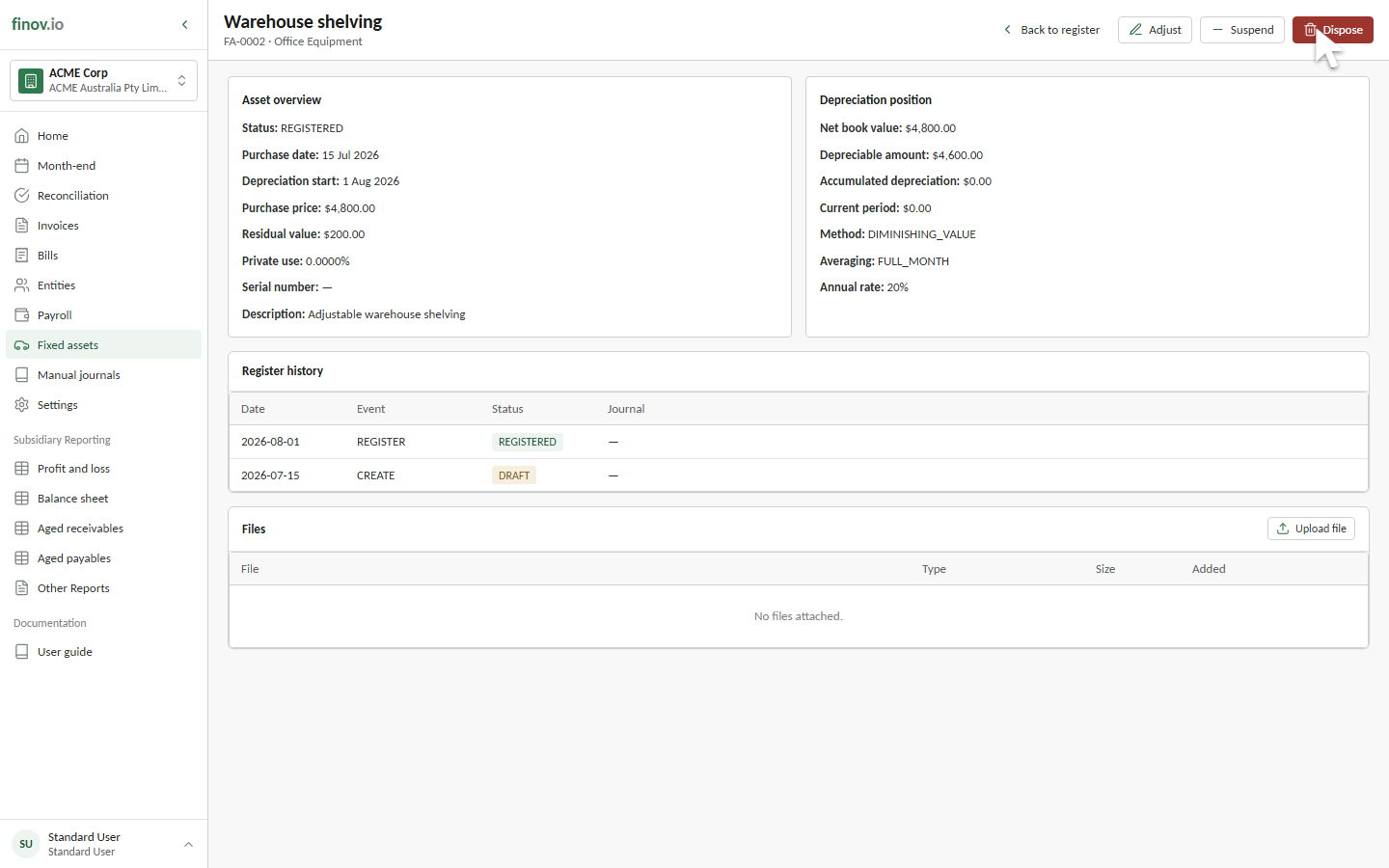
Registering moves an asset from Draft to Registered, the point at which it becomes eligible for depreciation.
In this guide
Where to find it
Open the draft asset and select Register asset.
Validations on registration
Before an asset can register, Finovio checks that:
- Asset, accumulated depreciation, and depreciation expense accounts are present.
- A depreciation start date is present.
- The depreciation start date is on or after the purchase date for a standard asset.
- The purchase price is greater than zero for a standard asset.
- Prior accumulated depreciation does not exceed the depreciable basis.
Asset numbers must also be unique within the active subsidiary. Invalid or inactive account mappings are rejected when the draft is saved.
What registration does and doesn't do
Registering records an event in the asset's Register history, but it does not post a depreciation journal.
The first required depreciation period is the later of the depreciation start month and the month after purchase. After that point, depreciation months must be posted in sequence. See Running monthly depreciation.