Signing in and navigating the portal
Finovio Users Guide / Getting Started
The portal is organized around a persistent left-hand navigation, a top heading bar showing where you are, and a main content area. This page describes the layout so the rest of the guide can refer to it by name.
In this guide
Signing in
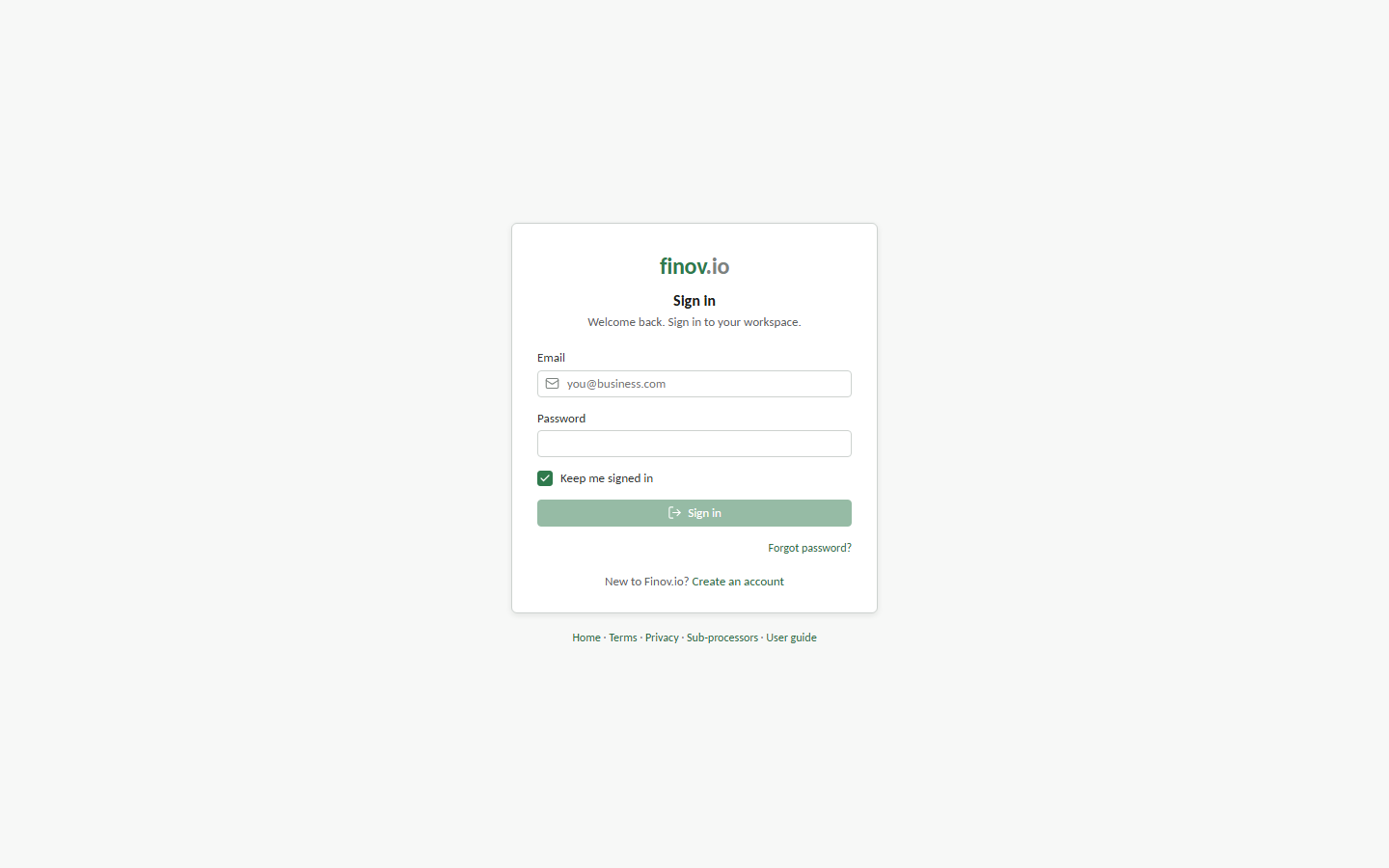
Sign in with your account email and password. If your organization has multi-factor authentication enabled, you'll be prompted for a second verification step before you reach the portal.
The sidebar
The main navigation groups the primary workflows together, with Reporting broken out as its own section:
- Home
- Month-end
- Reconciliation
- Invoices and Bills
- Entities
- Payroll
- Fixed assets
- Manual journals
- Settings
- Subsidiary Reporting: Profit and loss, Balance sheet, Aged receivables, Aged payables, and Other Reports
- Group Accounts: Consolidation, Group Manual Journals, and Group Reporting when the selected subsidiary has children
Each item takes you to a dedicated workspace; the heading bar at the top of the page always shows which one you're in and a short status line (for example, how many transactions are unreconciled).
Finding settings
Open Settings and use Search settings when you know the control you need but not its section. Search covers setting names, field labels, and descriptions, and each result opens the relevant screen or form. For example, searching for a bank account also finds its linked ledger account and dimension assignment controls.
The workspace switcher
Every screen in the portal is scoped to one group and one subsidiary. The switcher at the top of the sidebar lets you change either without leaving the page you're on. See Groups and subsidiaries for what that scoping means in practice.
The user menu
Your name and role sit at the bottom of the sidebar. Opening it gives you:
- Account Management: your personal account settings
- Developer Tools: API access for your group; see Developer tools
- Sign out