Finovio User Guide
Finovio brings multi-entity bookkeeping, financial control, and reporting together in one place. Each subsidiary keeps distinct accounting records while teams retain a clear view of the wider company group.
This guide covers the complete day-to-day workflow, from configuring a subsidiary and maintaining contacts to reconciling bank activity, posting journals, managing fixed assets, closing periods, and reviewing financial reports.
Start with the essentials
- Welcome to Finovio for an overview of the platform and how this guide is organized.
- Signing in and navigating the portal to learn the main workspace and subsidiary controls.
- Subsidiary details when preparing a new accounting entity.
- Importing bank statements to begin the reconciliation workflow.
Accounting work in one connected record
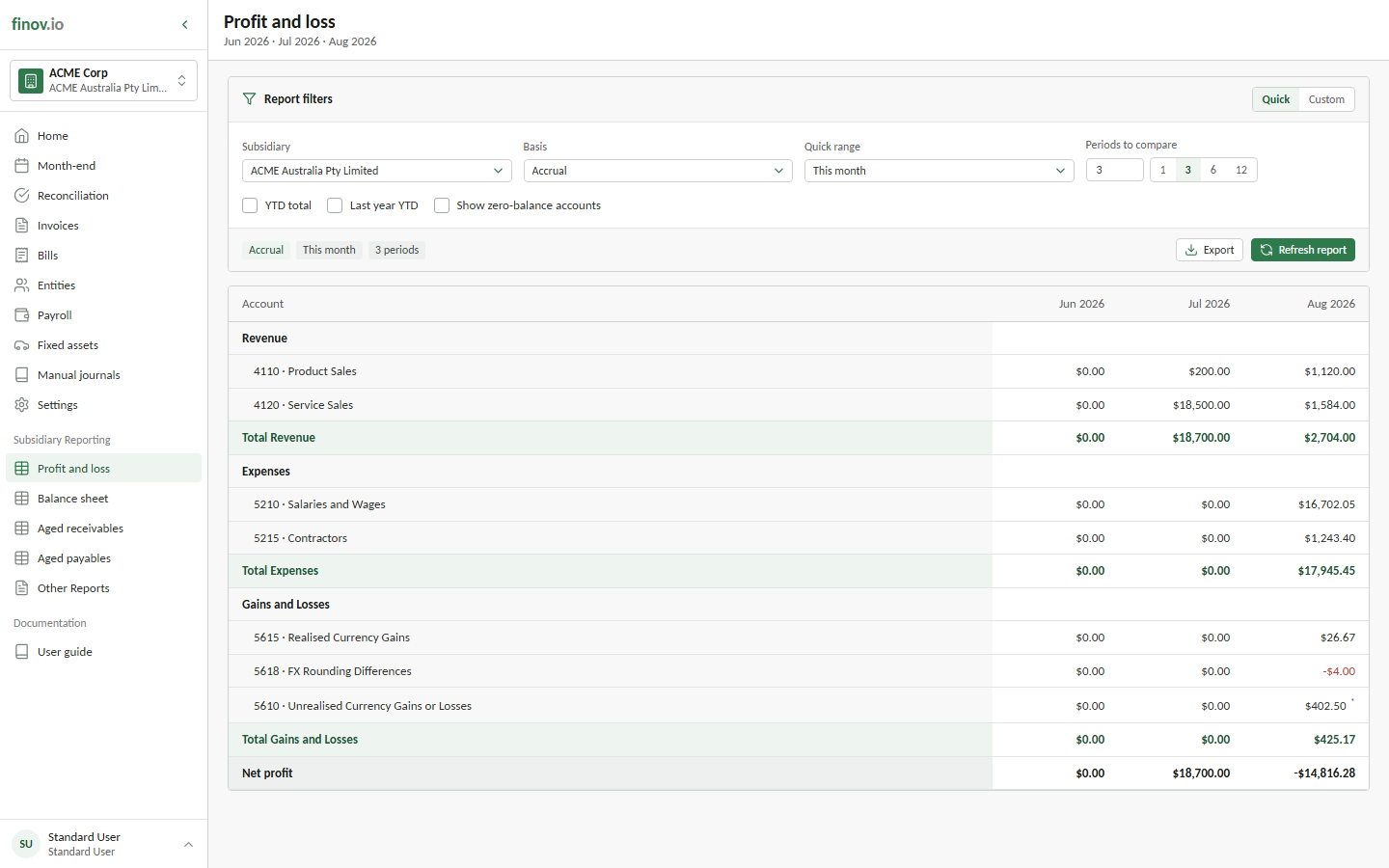
Transactions entered through invoicing, bank reconciliation, manual journals, and fixed assets share the same double-entry ledger. Source records remain connected to their journals and reports, making it easier to move from a reported balance back to the activity behind it.
Find guidance by task
Use the navigation to move directly to the area you are working in. The guide includes company setup, contacts, invoicing and bills, bank reconciliation, manual journals, fixed assets, foreign currency, period close, and financial reports.
Building an integration instead? Visit the API Documentation.